Knowledge Base Article
Where to find the Document Library
The Document Library is your central store for organizational documents: templates, forms, policies, and anything else the team needs to find rather than email around.
Where it is
From the main menu, choose Workflow & Productivity > Document Library.
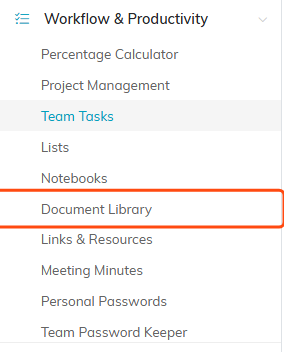
Document Library sits under Workflow & Productivity in the main menu.
What you will find there
- Search by document ID or name.
- Filters for category, chapter, division, department, and a Date Posted Range. Political organizations also get district and precinct.
- Add A New Document to upload a new one.
- Export to pull the list into a spreadsheet.
Each document in the list carries its title, category, description, and the organizational groupings it belongs to, with icons to open or delete it.

Search, filter, add and export all sit at the top of the list.
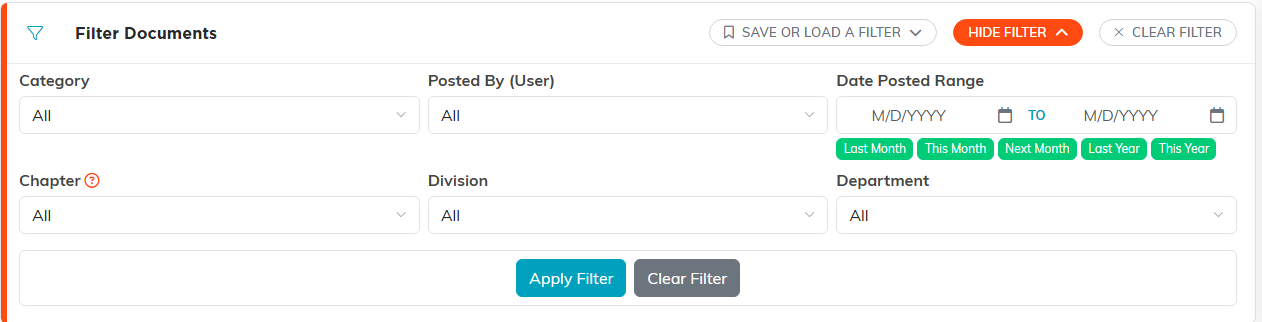
Show Filter opens the full set, including the Date Posted Range.
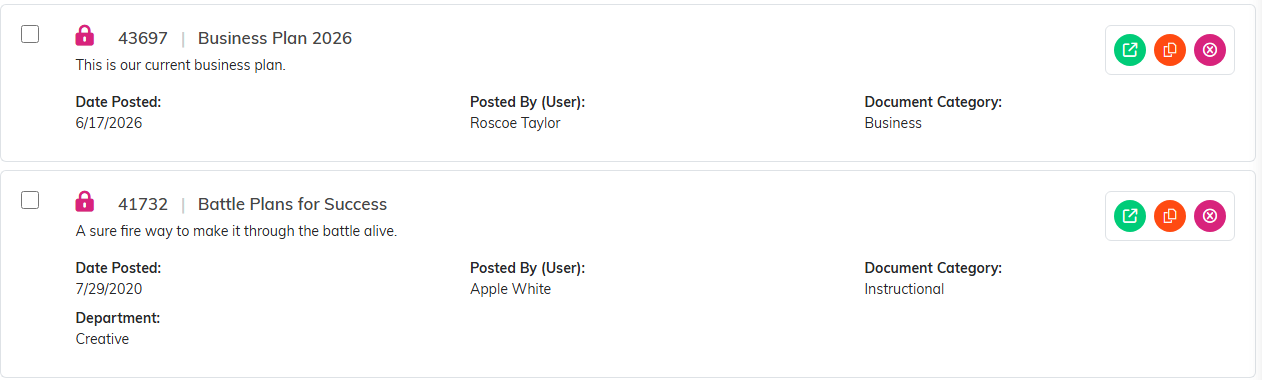
Each row carries the title, description, category and its groupings, with icons on the right.
What is in a document record
Opening a document gives you the Document Workspace, with Document Details (title, category, description, the file itself, and the org fields), Share This File, and Record Permissions. There is a Download Document button on the details page.

The Document Workspace menu.
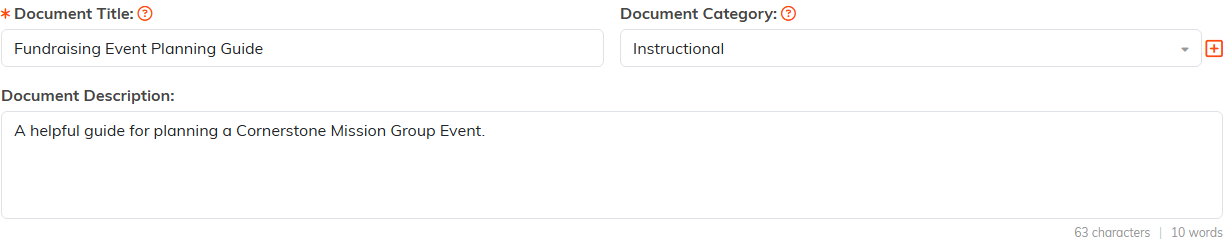
Document Details holds the title, category and description.

Download Document sits with the save buttons at the foot of the page.
To add one, see How to Upload Documents to the Document Library. For files that belong to a single record rather than the whole organization, see Add Related Files.
