Knowledge Base Article
How to Track Constituent Relationships
Argenta connects people through affiliations, households, and groups rather than a single "relationships" field. Here is how to record and use those connections.
Affiliated organizations and individuals
On a person's constituent workspace, the Affiliated Organizations page lists the organizations they belong to. On an organization's record, Affiliated Individuals (Associated Constituents) links the people connected to it, and you can note each person's title. This is how you tie an employee to an employer, a member to a chapter organization, or contacts to a company.

The Affiliated Organizations page on a person's record.
Households
For family members who live together, use the Household constituent type to group them, so you can manage household-level giving and communications. See Add Constituent - Household.
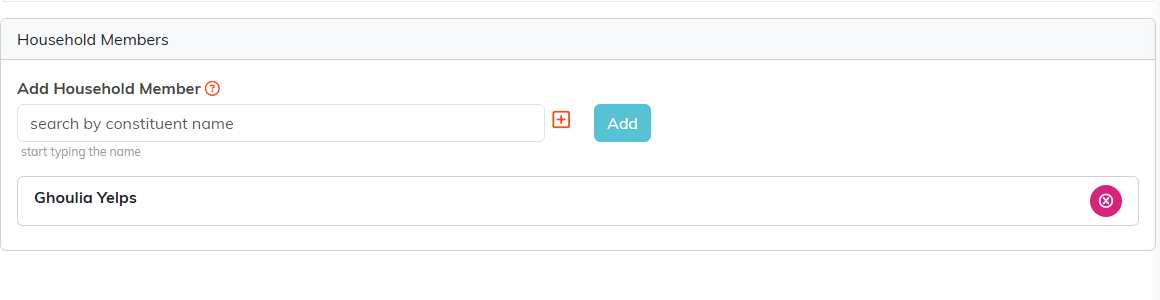
The people in a household, on the Associated Household page.
Family members
To note a person's relatives, open Family in the constituent workspace of a person or household and click Add New. Each family member needs a First Name and Last Name; you type the Relationship yourself and can add details such as date of birth. A family member is kept on that record only, not as a constituent of their own.
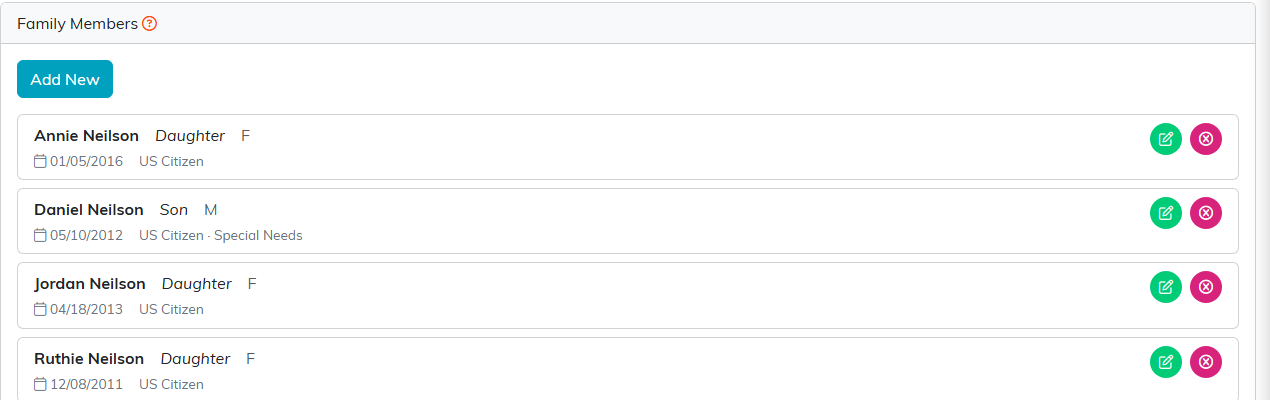
Family Members, each with their relationship to the person.
Constituent groups
To connect any set of people for a shared purpose, such as a board, committee, or company, use a constituent group (see Constituent Groups).
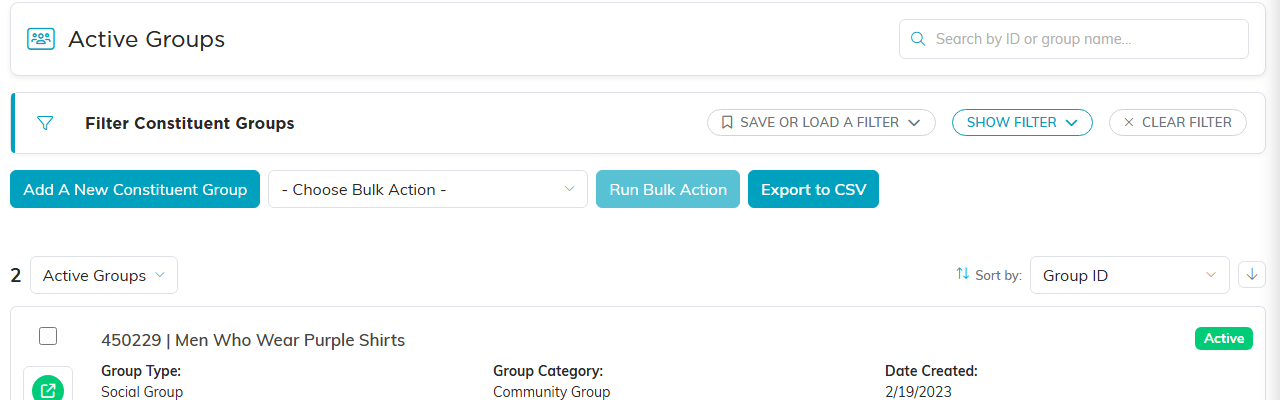
The Constituent Groups list.
Using these connections
Affiliations and groups help you see how people relate to each other and to your organization: invite a household together, reach a company's contacts as a group, or find the individuals tied to a partner organization.
