Knowledge Base Article
How to Report on Your Programs
Program reporting in Argenta is one built-in report plus the export on the Programs list. There is no report builder, so you cannot design a report of your own, and reports are never sent out on a schedule. Someone runs them.
Running the Program Report
Argenta carries one report for programs, Program Impact & Outcomes. It rolls every program into a single view and shows participants, tasks, service hours, events and budget for each one.
- Click Report Center in the top bar
- Open Program Reports
- Click Program Impact & Outcomes
- Set the filters you want, then click Run Report
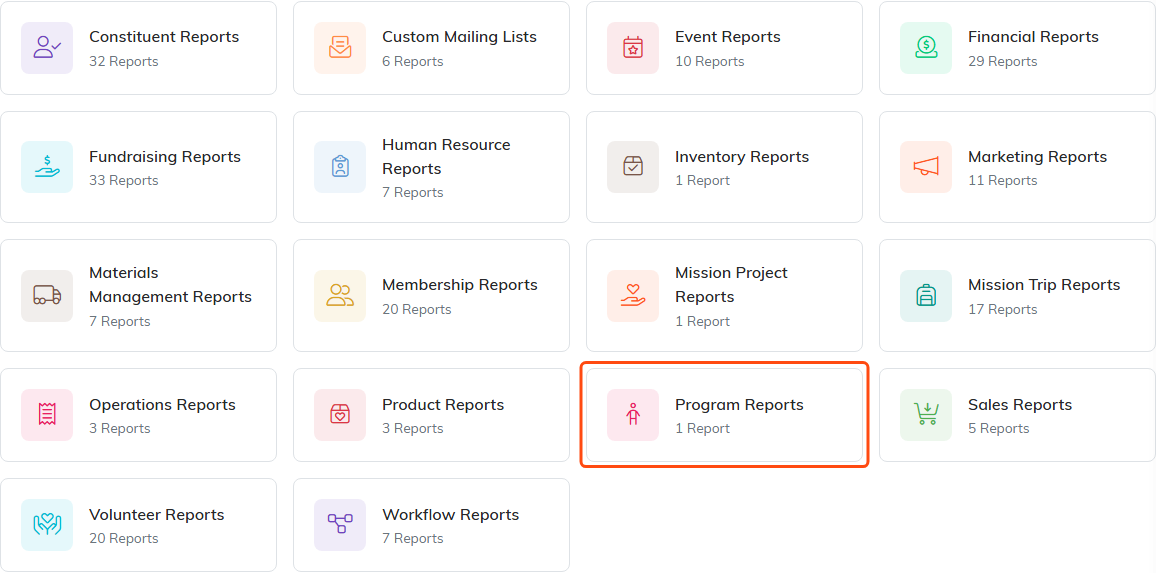
Program Reports holds the one program report.
You can also narrow the report by date range, program category, program type, status, funding, or program manager, and sort the results with the Sort by box above the list.
What each figure means and where it comes from are covered in How to Measure Program Outcomes and Impact.
Getting the Numbers Out
There are three exports. Each one gives you every row that matches your filters, not just the page on screen, so set the filters first and export afterward.
- Export To CSV on the report, for a spreadsheet. The file carries more columns than the screen shows, including mileage, failed tasks, attendees, chapter, division and department.
- Export To PDF on the report, for printing or sending on.
- Export to CSV on the Programs list, which downloads as
Programs.csv.

Both export buttons sit above the totals.
There is no Excel export. Open the CSV in Excel instead.
Where Participant, Money and Volunteer Numbers Come From
There is no separate participant, financial or volunteer report for a program. Those numbers reach you two ways:
- As roll-up figures on Program Impact & Outcomes, which covers participants, tasks, service hours, events and budget
- As detail on the program record itself, on its Participants, Budget & Financials and Connections tabs

The detail behind the report sits on these three tabs.
None of those three tabs has an export of its own, so the report is the place to go when you need the figures in a file.
Best Practices
- Run the report before board meetings and funder reports, not after
- Keep program status current, since status is one of the filters
- Use the same filters each time you compare one period against another, so the numbers mean the same thing
- Export to CSV when you need the columns the screen leaves out
- Remember that the report only knows what was recorded, so keep participants and budget figures up to date on the record
