Knowledge Base Article
How to Track Sponsorships for an Event
Event Sponsorship lists every sponsor attached to an event, with the amount, the level and where each one stands. Cash sponsorships count toward the event's income, except one still In Discussions or Pending; those and in-kind ones are tracked but kept out of the totals.
Open Event Sponsorship
Open the event and click Event Sponsorship in the Financials group of the workspace menu. Each sponsorship shows the sponsor, the amount, and its status, type, category and level.
The Event Sponsorship page has a short Show Me How To Use This Page video at the top right; click it to watch, and use its chapters to jump to the part you need.
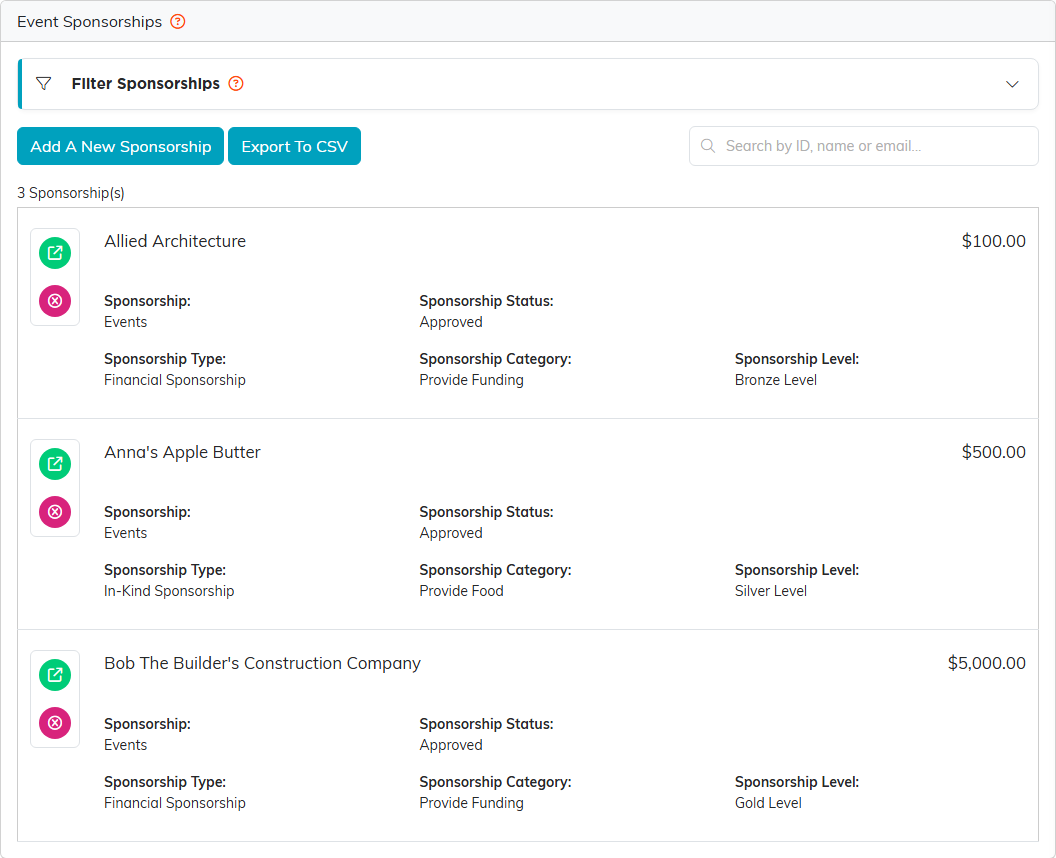
A gold, a silver and a bronze sponsor for the conference.
Add a sponsorship
Click Add A New Sponsorship. The form asks for the sponsor, and nothing is saved until you click save. On the sponsorship itself you set:
- Constituent Sponsor and Sponsorship Amount, both required.
- Sponsorship Status, Sponsorship Type, Sponsorship Category and Sponsorship Level, from your organization's own lists. Administrators see an orange plus to add a choice.
- In-kind (non-cash) sponsorship for donated goods or services. Choosing the In-Kind Sponsorship type turns it on for you. Its amount is an estimated value, so it is shown on Event Financials but not counted as income.
- A Sponsor Logo, a Sponsorship Description, and a Sponsor's Link Title and URL.
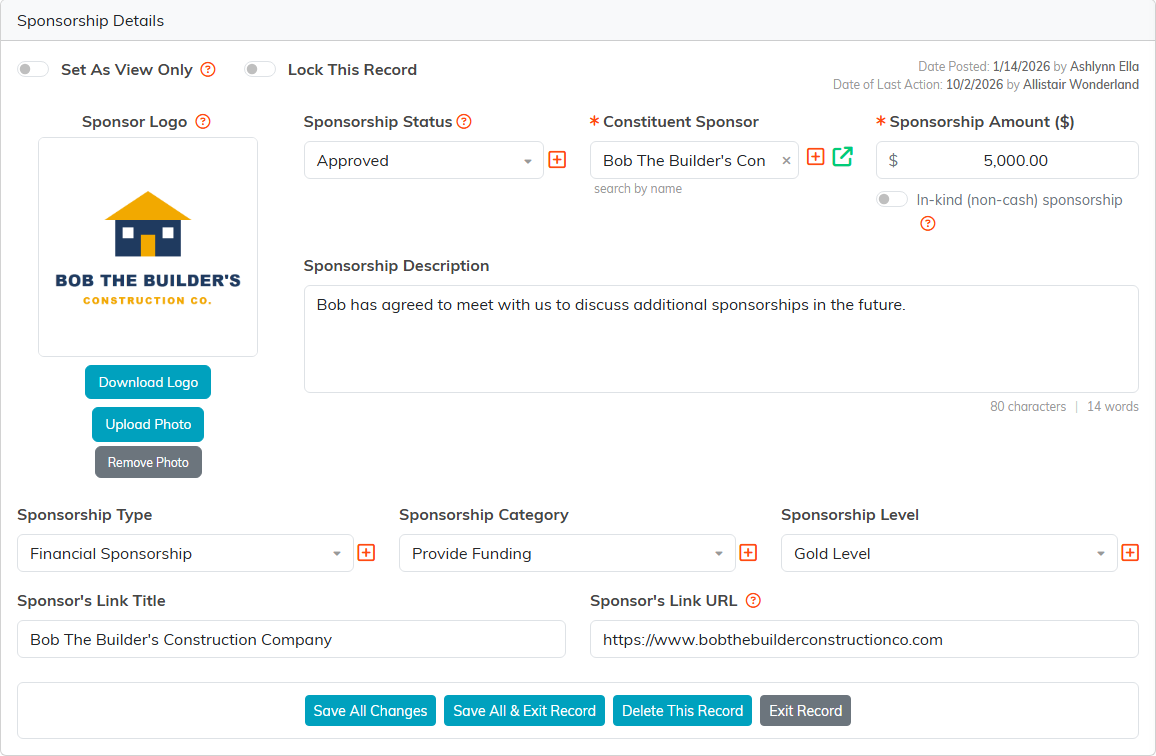
The gold sponsor, logo and all.
The sponsorship's own menu also has Payments, where you record money as it actually arrives, plus Sponsorship Files and Sponsorship Notes. Recording a payment does not change the Amount.
Find a sponsorship
Type in Search by ID, name or email, or open Filter Sponsorships to narrow by status, type, category and level. The filter only offers values already used on this event, and choices in different boxes narrow together. Export To CSV downloads the list.
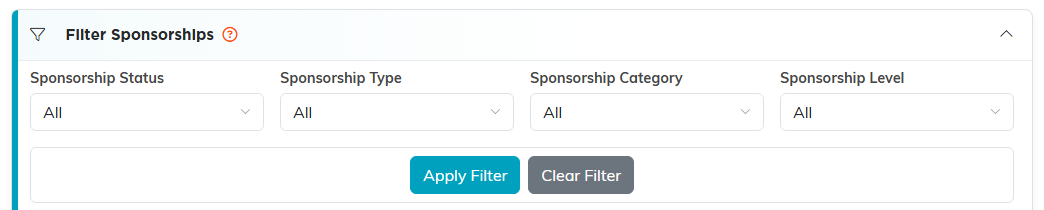
Filter by any of the four lists at once.
Delete a sponsorship
Click the pink delete icon on the sponsorship's row, then confirm. Deleting is final.
When the sponsor bought a package on your event's public sponsorship page, deleting the sponsorship also removes the seats it reserved and its admission codes, so the package goes back on sale. If those seats were paid through Stripe, the sponsorship cannot be deleted; issue a refund instead.

The delete icon sits under the open icon on each row.
To see how sponsorships add up with tickets, donations and invoices, see How to Plan and Track an Event's Financials.
