Knowledge Base Article
How to Track Event Vehicles and Drivers
Event Vehicles is your transport list for an event: who is driving, what they are driving, and how many seats it has. Use it for airport shuttles, speaker pickups, deliveries, or any event where you are moving people or things.
Open Event Vehicles
Open the event and click Event Vehicles in the Planning group of the workspace menu. Each vehicle shows its driver, its type and its total seats.
The Event Vehicles page has a short Show Me How To Use This Page video at the top right; click it to watch, and use its chapters to jump to the part you need.
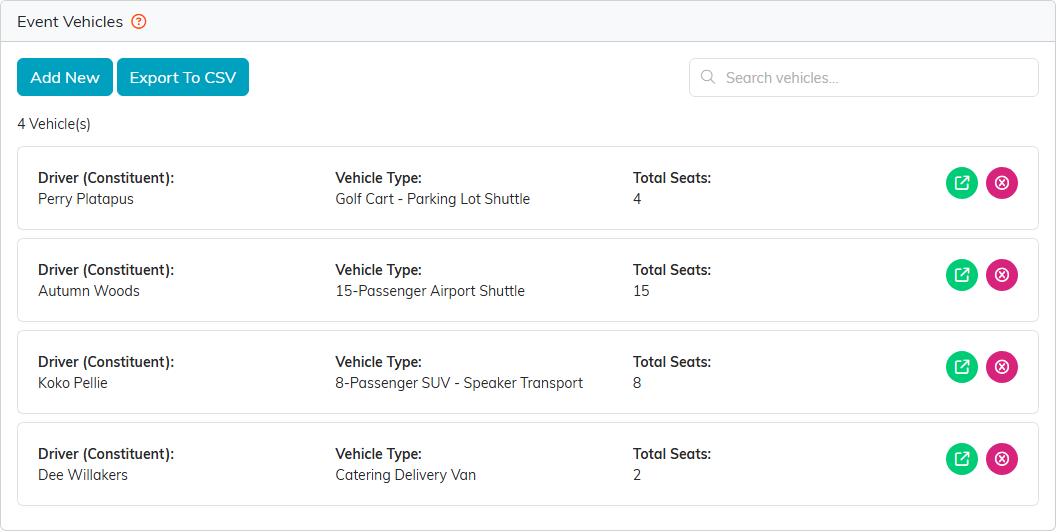
Four vehicles, each with its own driver.
Add a vehicle
- Click Add New.
- Enter the Vehicle Type, such as 15-Passenger Airport Shuttle.
- Click Add & Enter Details. Argenta creates the vehicle and opens it. Cancel & Exit leaves without adding anything.
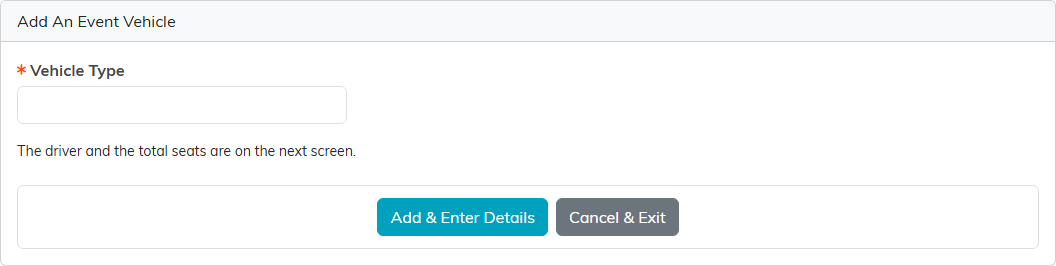
The type first; the driver and seats come next.
Set the driver and seats
- Driver must be a constituent. Start typing a name and pick it. If the driver is not in your records yet, the orange plus creates them right there.
- Total Seats is a number for your own planning. Argenta does not assign riders to seats.
Click Save All Changes & Continue to save and stay, or Save All Changes & Exit to save and go back to the list.
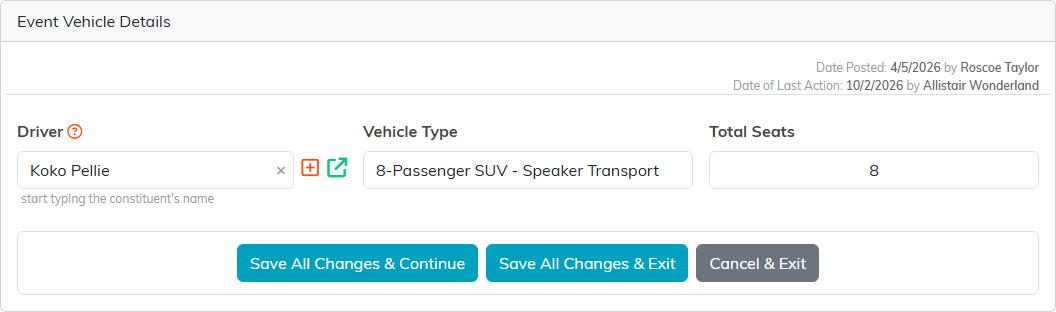
The speaker SUV and the committee member who drives it.
Find, change or remove a vehicle
Type in Search vehicles to narrow the list. The green icon opens a vehicle, and the pink icon deletes it after you confirm. Export To CSV downloads the list you are looking at.
For a map of the whole event workspace, see Overview Part 1 of the Argenta Event Management System.
