Knowledge Base Article
Setting the Starting Bid and Minimum Bid Increment
Two settings control how bidding works on each auction item: the starting bid and the minimum bid increment. Setting them well helps your items sell for more.
The starting bid
The starting bid is the lowest amount someone can bid first, the price bidding begins at.
- Set it too high and people may hesitate to start.
- Set it too low and the item may sell for less than it is worth.
- A good rule of thumb is 30 to 50 percent of the item value.
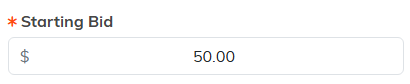
The Starting Bid field on the auction item.
The minimum bid increment
The minimum bid increment is how much each new bid must go up. If the increment is 10 dollars and the current bid is 50, the next bid must be at least 60.
- A smaller increment keeps more people bidding.
- A larger increment raises the price faster.
- Pick an amount that fits the item's value.
The rule Argenta applies
The lowest bid Argenta will take is whichever is higher: the starting bid, or the current bid plus the increment. That is the figure a bidder sees as the next bid on the public form.
A bid also has to beat the current bid rather than match it, so an item can always keep climbing.
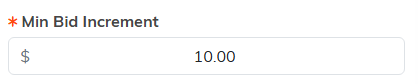
The Min Bid Increment field sits right beside it.
Where to set them
- Open your auction and go to the Auction Items tab.
- Add or open an item.
- Enter the Starting Bid and the Min Bid Increment. You can change either after bidding has started; the item's Next Bid moves straight away, so bidders are held to the new step.
- Save the item.
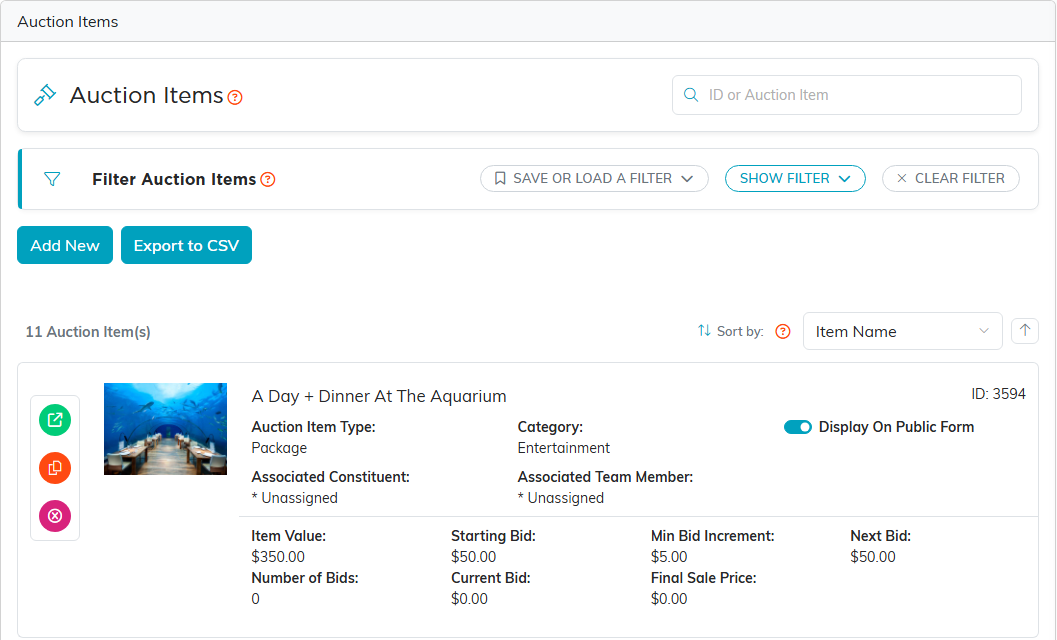
Open the Auction Items tab, then add or open an item.

All three sit in one row on the item.

Save the item and the new amounts are live.
A simple example
An item is worth 200 dollars. You set the starting bid to 75 and the increment to 25. Bidding starts at 75, then 100, then 125, and up from there.
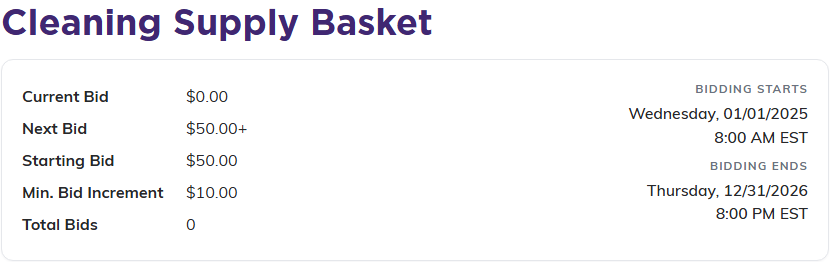
Bidders see both numbers on the public form.
