Knowledge Base Article
What merge tags are available in Argenta email templates?
Argenta's merge tags are grouped in the picker exactly as they are below. Each tag pulls live data from the recipient's record when the email is sent. Write a tag in square brackets, like [FirstName].
Contact info
- [FirstName] - first name
- [LastName] - last name
- [ConstituentName] - full display name
- [Nickname] - nickname, if one is on file
- [Salutation] - salutation (Mr., Ms., Dr.)
- [Email] - email address
- [Phone] - formatted phone number
- [Birthday] - date of birth
- [OrganizationName] - organization name
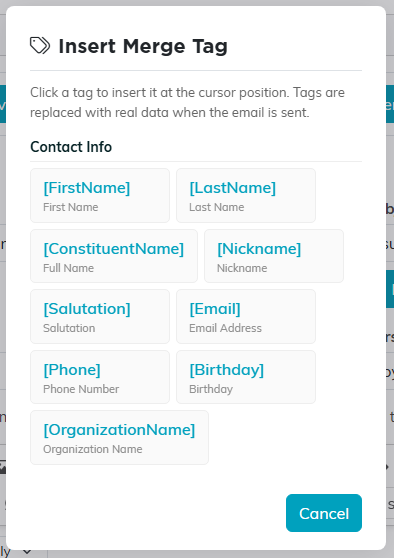
The same tags, in the picker inside the editor.
Mailing address
- [MailingAddress] - street address
- [MailingCity] - city
- [MailingState] - state abbreviation
- [MailingZip] - zip code
Organizational segments
- [Chapter], [Division], and [Department] - the recipient's chapter, division, and department
Donations
- [TotalDonated] - lifetime giving total
- [LastDonationDate] and [LastDonationAmount] - the most recent gift
- [FirstDonationDate] - date of the first gift
- [NumberOfDonations] - number of gifts
- [DonationYearTotal] - giving so far this year
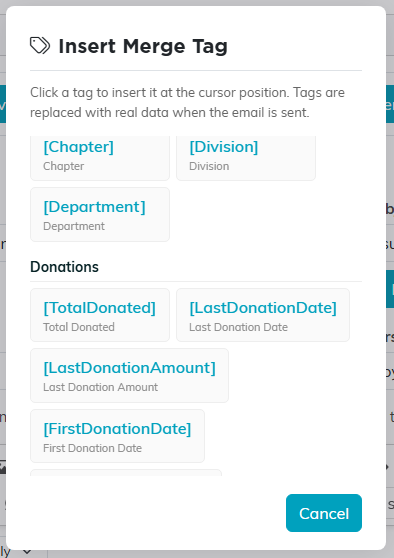
Scroll the picker to reach the later groups.
Membership
- [MembershipNumber] - member ID
- [MembershipLevel] - membership level
- [RenewalDate] - upcoming renewal date
- [MemberSinceDate] - the member's active date
Volunteerism
- [VolunteerTaskHours] - total volunteer hours
- [YearsOfService] - years of service
- [VolunteerSinceDate] - when they started volunteering
- [NumberOfVolunteerTasks] and [LastVolunteerTaskDate] - task count and most recent task
Event / Program
The picker calls this group Event / Program (fills only on a send from an event), because that is the whole of the rule.
- [EventName] - the name of the event or program the email is being sent from. It fills in only when you send from an event's guest or participant list. On an email sent any other way it comes out blank, the same as any other tag with no data behind it.
If a recipient has no data for a tag (for example, they have never donated), the tag is replaced with an empty string, so no brackets or placeholder text show up in the sent email. The one exception is [FirstName], which falls back to the nickname and then to the word Friend rather than going blank. To use words of your own instead, add a bar and fallback text inside the tag: [MailingCity|your area] reads your area for anyone with no city on file.
