Knowledge Base Article
What permissions do I need to access reports in Argenta?
To access the Report Center and run reports in Argenta, you need one of the following permission levels:
Report Manager:
- Full access to the Report Center
- Can browse all report categories
- Can run any report in an area their other permissions cover. Each report also needs the permission for its own area, such as Finance Manager for a financial report.
- Can save reports as favorites
Master Admin:
- Full access to all Argenta features including reports
- The report list itself is maintained by Argenta, so there is no add or edit reports screen in your account
Additional permission for exporting:
- The Can Export Lists To Excel permission is required to export a report, including Export To PDF. A Master Admin can always export.
- Without it, you can view reports but not export them
- View Only Access does not change this. A View Only account with Can Export Lists To Excel set to Yes exports normally.
If you cannot access reports:
- Contact your system administrator
- Ask for Report Manager, or for Master Admin if you should have full access
- Request Can Export Lists To Excel if you need to export reports
Your administrator can update your permissions under Settings > System Users: open your user record, and the export switch is Can Export Lists To Excel.
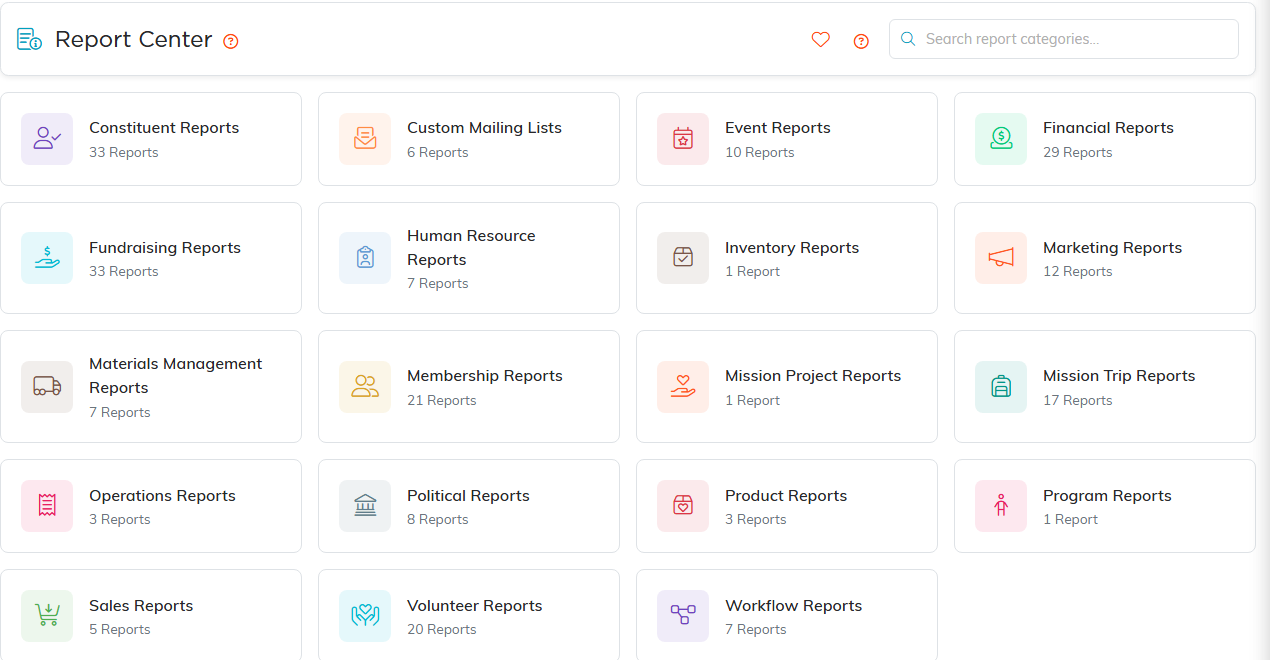
The Report Center. Every category card shows how many reports it holds.
