Knowledge Base Article
How to View and Edit HTML Code in the Content Editor
The editor can show you the raw HTML behind what you have written.
- Click HTML View on the toolbar. The writing box is replaced by the HTML.
- Edit it directly.
- Click Content View to go back. Your changes render as you return.
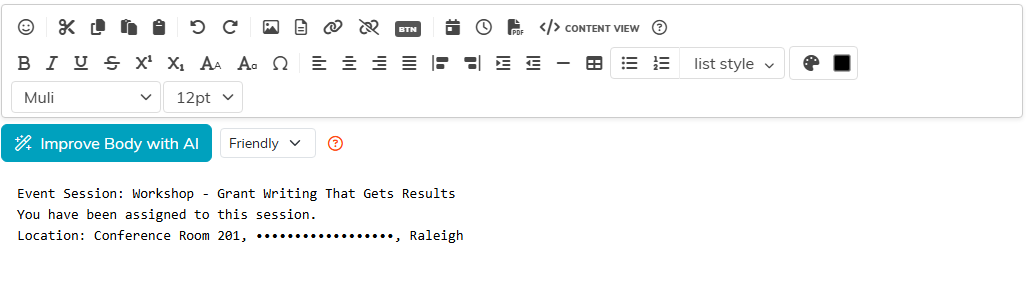
Going back to Content View also takes out anything that could run code, such as scripts and event attributes, so they never reach what you save.
The button is not on every editor. Whether it appears is set by the page the editor sits on, so a screen without it is not broken.
When it earns its keep
- Clearing out messy HTML that came in with pasted content.
- Fine-tuning spacing or styling that is awkward to get right visually.
- Pasting in HTML you already have from somewhere else.
- Working out why something is displaying oddly.
Broken HTML breaks your layout, and the editor will not stop you. Copy the HTML before you change it, so you can paste it back if it goes wrong: Undo does not reliably take you back to how it was before an HTML View edit.
