Knowledge Base Article
How to Manage Do Not Contact and White List Settings
Do Not Contact flags and the White Listed setting let you honor a constituent's communication preferences right on their record, so your emails and mailings respect their wishes.
Set the flags on a constituent
Open the constituent record and go to the Contact Info page. You will find these switches at the top:
- Do Not Email
- Do Not Call
- Do Not Text
- Do Not Solicit
- White Listed: a note that this constituent has whitelisted your email address. It is for your records and for filtering lists; it does not change who receives a send.
Do Not Send Mail is a single switch in the Mailing Address section of the constituent's Addresses page. Save the record after changing any of these.

The Do Not switches, at the top of Contact Info.
How the flags work
- Email sends exclude constituents marked Do Not Email.
- Marketing email sends exclude Do Not Solicit constituents.
- Postal mailings skip addresses marked Do Not Send Mail.
- When someone unsubscribes from one of your emails, their Do Not Solicit flag is set automatically. That withdraws marketing consent only: their Do Not Email flag is left alone, so transactional notices such as signup confirmations still reach them. To stop every email to someone, set Do Not Email yourself.
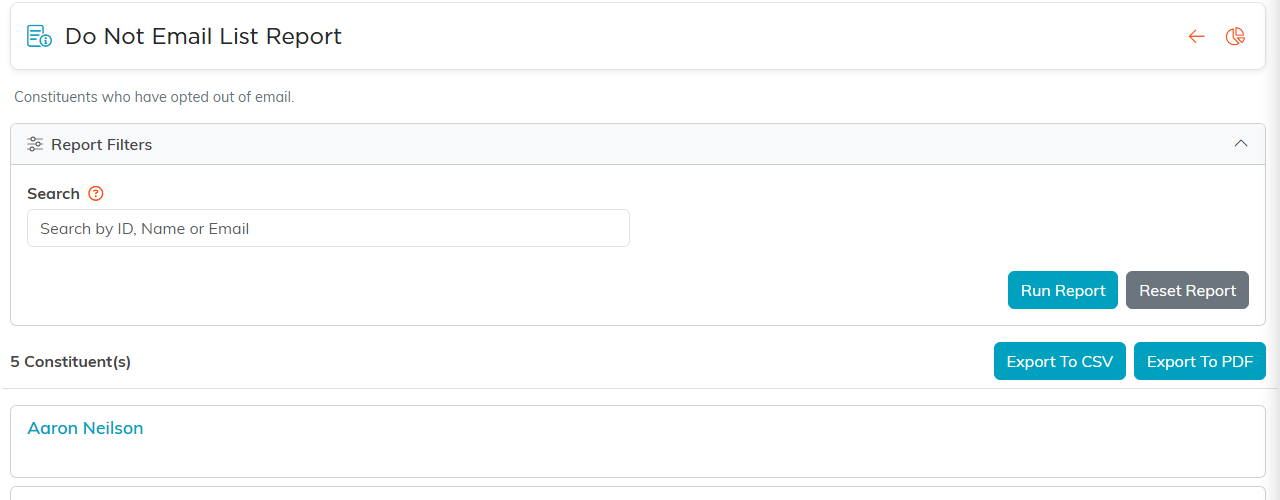
One of the four reports that show who has opted out.
Review who is excluded
Run the Do Not Solicit report to see everyone flagged as do-not-solicit, so you can review or clean up your list. Always honor these requests promptly and note the reason in the constituent's record.
