Knowledge Base Article
How to Track Skills and Find People by Expertise
Argenta lets you record skills on a person's record to capture their talents, certifications, and expertise, then find people with a given skill through reports.
Add a skill to a record
- Open the person's record (a constituent, volunteer, member, and so on) and go to the Skills & Experience page.
- Under Add Skill, pick a skill from the drop-down.
- Click Add. The skill appears in the list below.
Each listed skill shows its name, its category, and a proficiency level when one is on file. Use the pink icon to remove a skill.
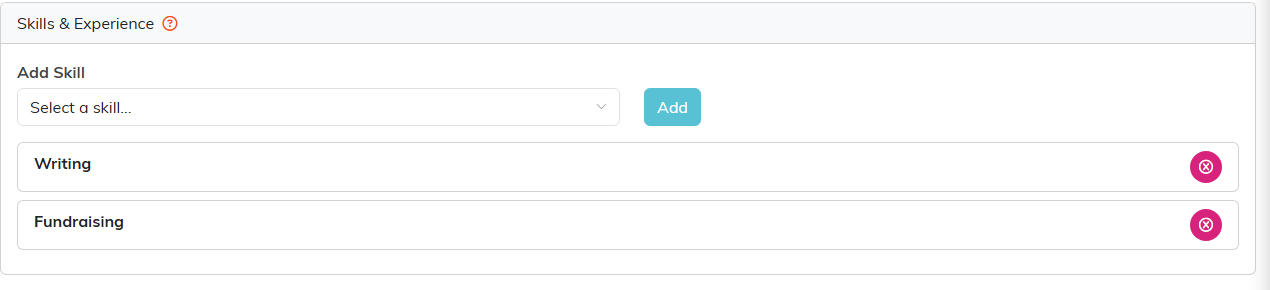
Skills and Experience on a record.
The skills list
The drop-down is your organization's list of skills. If a skill you need is not there, an admin can add it to your skill list so it becomes available to assign.
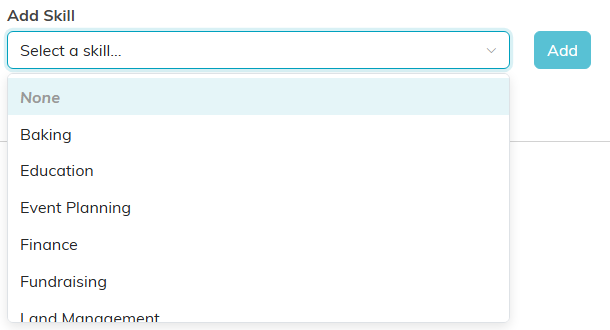
The drop-down lists your organization's own skills.
Find people by skill
To find everyone with a particular skill, run one of the skills reports in your Reports area, such as the Constituent Skills Report, Volunteer Skills Report, Member Skills Report, or Lead/Prospect Skills Report. These pull people by the skills they have, which is the fastest way to match people to a need.
