Knowledge Base Article
What Are Engagements and How Do They Track Constituent Activity?
Engagements are trackable touchpoints that show how a constituent interacts with your organization, from attending an event to responding to an appeal. They give you a running sense of how engaged each person is.
See a person's engagement history
- Open the constituent record and go to the Engagement tab.
- Use the Date Range filter (This Month, Last 30 Days, This Year, Last Year, or your own dates) and click Filter List to narrow the history.
The tab lists each engagement with its date and type.
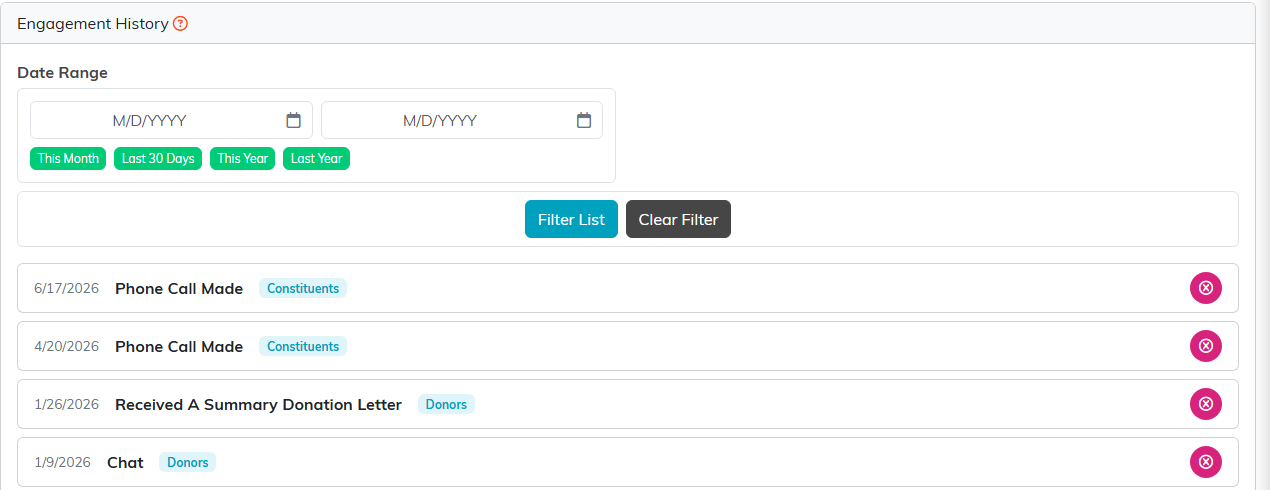
Engagement History, filtered by date range.
Record an engagement
Engagements are added in a few places:
- On the Contact Log, set Mark Contact As An Engagement? to an engagement type when you log a contact.
- On a list, use the Add Engagements To Selected Records bulk action to record one engagement across many people at once.
- From the Engagement page under Marketing & Engagement.
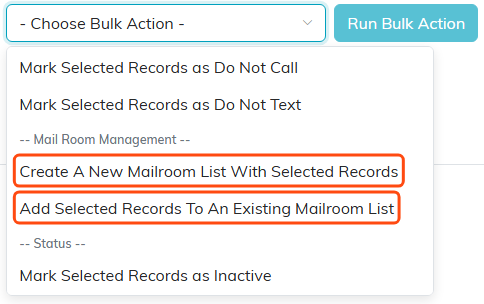
Bulk actions run against whatever you have ticked.
Engagement types and scoring
Engagement types are classification codes, which admins and master builders manage under Classification Codes. To see how engaged your constituents are overall, run the Constituent Engagement Score report, which scores people on their activity.
