Knowledge Base Article
How to Find a Constituent in Argenta
There are several fast ways to find a constituent in Argenta, from a quick search to detailed filters.
Search the constituent list
- Go to Constituents (CRM) > Constituent List.
- In the search box, type the constituent's ID, name, or email (a partial name works).
- Open the matching record from the results.
Two things worth knowing about that box:
- A number is not treated as an ID and nothing else. Typing 2024 brings back record 2024 and also anyone whose name or email contains 2024.
- Names written in Greek, Cyrillic, Chinese, Arabic and other non-Western alphabets search normally. Type the name the way it is spelled on the record.
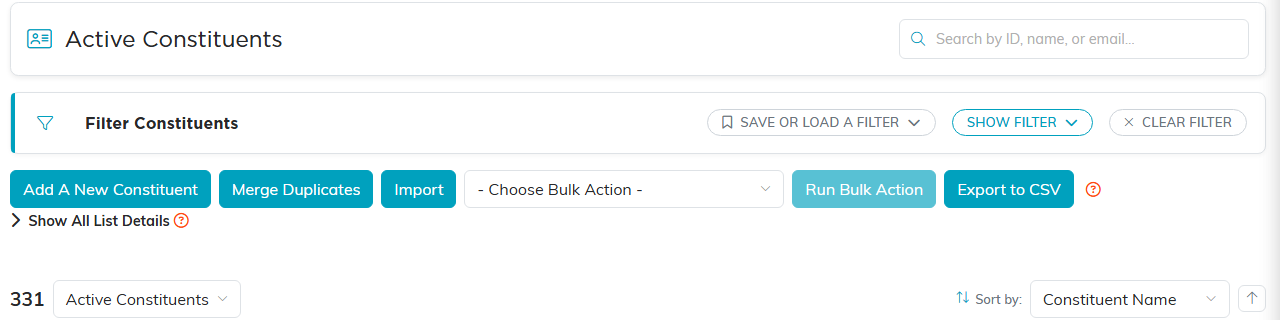
The constituent list, with search, filters and bulk actions.
Filter the list
For a broader search, open the filter panel and narrow by:
- Status (All, Active or Inactive)
- Constituent Type (Individual, Organization, Household)
- Affiliation (Donor, Volunteer, Member, and other roles)
- Team Member, Chapter, Division, Department, and date ranges
Click Apply Filter to see the matches. To find the most recently added people, sort the list by Date Created.
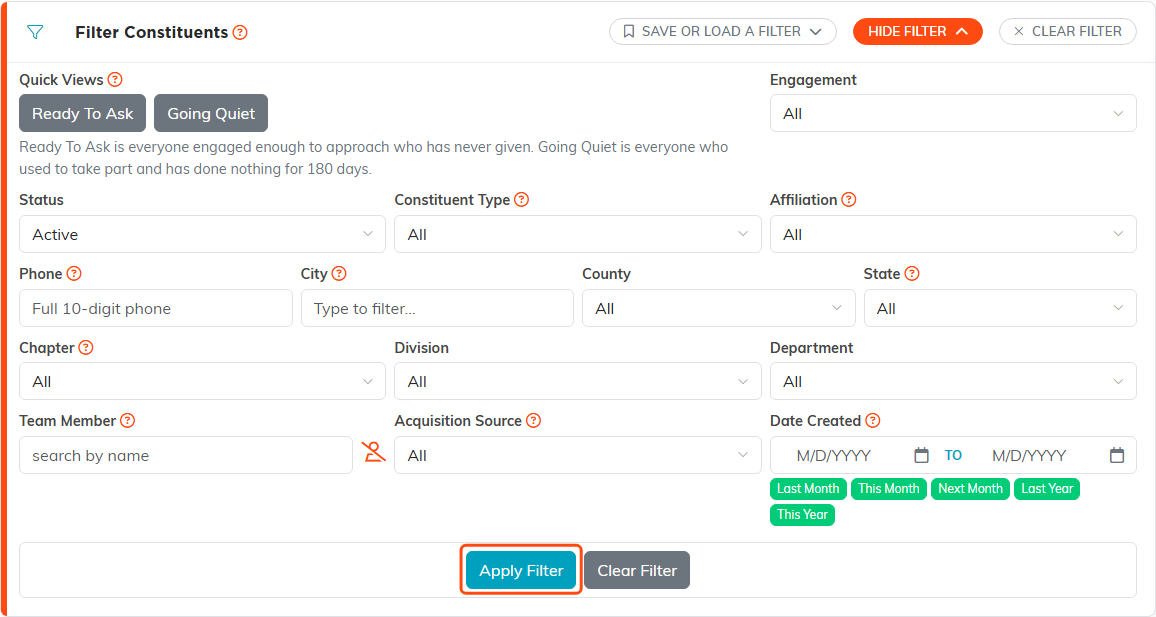
The filter panel on the constituent list.
Find by role
If you know how the person is involved, search within that module instead: Fundraising > Donors, Volunteerism > Volunteers, or Membership > Members.
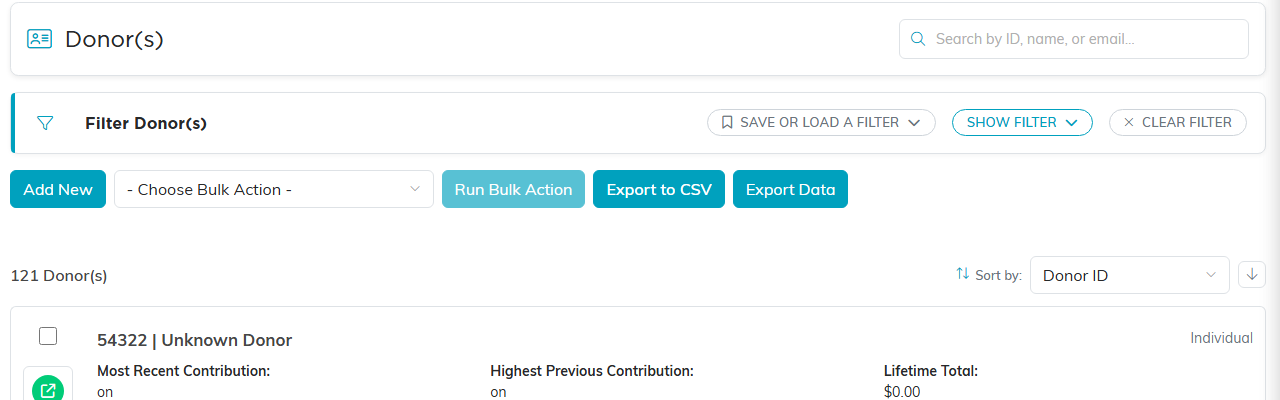
The Donors list.
Can't find someone?
They may be entered twice or under a different spelling. Use the Merge Duplicates button on the constituent list to find and combine duplicate records.
