Knowledge Base Article
What Happens If I Delete an Email Batch While It Is Sending?
Deleting an email batch stops every email that has not gone out yet. It does not recall anything already delivered, and it permanently removes that batch's send history. Read the second half of that sentence before you delete anything.
To stop a send and keep its history, open the batch and use Pause Sending or Cancel Unsent Emails instead. See How to Choose When a Mail Room Email Sends.
What Deleting Actually Does
The delete runs as one action and removes all of it:
- Queued emails are deleted. Anything still waiting to send is removed from the queue and will never be sent. This is the part that makes delete a useful stop button.
- The send log goes with it. The batch's rows in the Master Email Log are deleted too, so the record of who was emailed, and what happened to each message, is gone.
- The batch record is deleted, along with its recipient rows, its record permissions, its pause and edit history, and its saved versions.
- Already-delivered email stays delivered. Nothing can pull a message back out of someone's inbox.
Argenta asks you to confirm first, and the confirmation says it plainly: this deletes the email batch and its send log, and it cannot be undone.
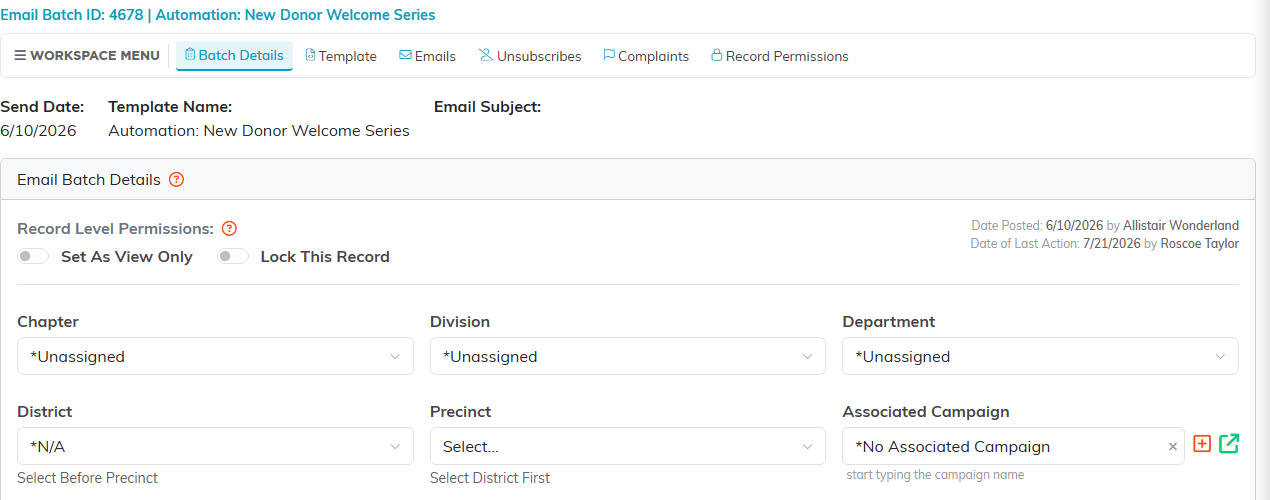
The batch workspace, where a batch is opened and deleted.
Stop A Batch That Is Sending
- Go to Communication > Email Batches.
- Find the batch.
- Click the Delete icon on its row.
- Confirm.
Speed matters here. Argenta sends a batch gradually rather than all at once, so the sooner you delete, the more of it you catch. A large batch can take a while to work through, which is what gives you a window at all.
If the batch is locked, the delete is refused, and opening the batch does not get you round it: the workspace Delete runs the same check. Untick Lock This Record in the batch workspace and save, then delete. A Master Admin can delete a locked batch without unlocking it.
Check What Has Already Gone Out
Before you delete, it is worth knowing how much of the send you actually stopped:
- Go to Communication > Email Queue to see what is still pending for the batch.
- Open the batch itself to see its delivery detail.
- Anything already sent is out, and deleting will not change that. It will only erase your record of it.
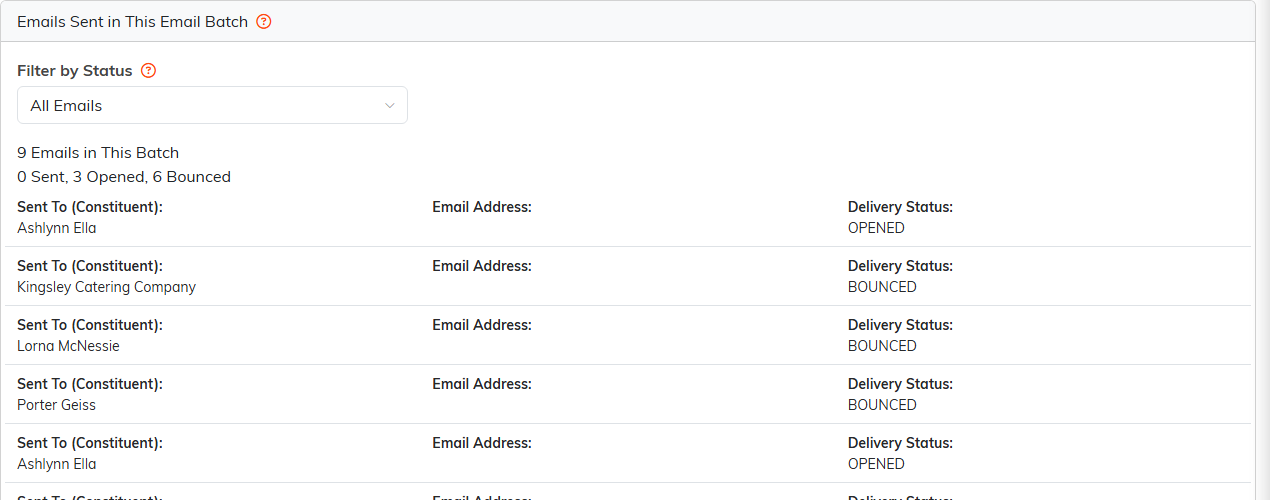
The Emails tab is the history you lose. Check it before deleting.
Think Twice If You Need The History
Deleting is the right move when you caught a real problem mid-send: wrong content, wrong list, wrong link. It is the wrong move when you only want to tidy up a finished batch, because you lose the delivery history for it.
If a batch has finished sending and you are unhappy with it, a follow-up correction email usually serves you better than deleting the evidence of what went out.
Avoiding The Situation
- Send a test to yourself and read it end to end, including every link.
- Check the recipient list and the count before you send, not after.
- For an important send, try it on a small list first.
- Have a second person read the copy. Errors are much easier to spot in someone else's writing.
