Knowledge Base Article
How to Manage Vendor Records
Vendors are the suppliers and service providers your organization buys from. In Argenta a vendor starts as a constituent and is then designated as a vendor, so their name, address, phone, and email live on the constituent record and are never retyped here.
Go to Products & Inventory > Product Vendors.
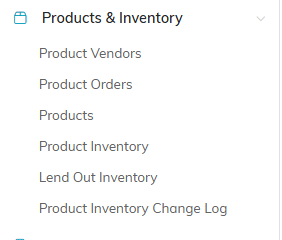
Product Vendors is the first item under Products & Inventory.
Adding a Vendor
- Click Add A New Vendor.
- On the Designate A Constituent As A Vendor panel of the Add A New Vendor page, start typing the name and pick the constituent. If they are not in your system yet, use the add icon beside the box to create them first.
- Choose a Vendor Type.
- Click Add Vendor & Enter Details.

Add A New Vendor opens the designate screen.
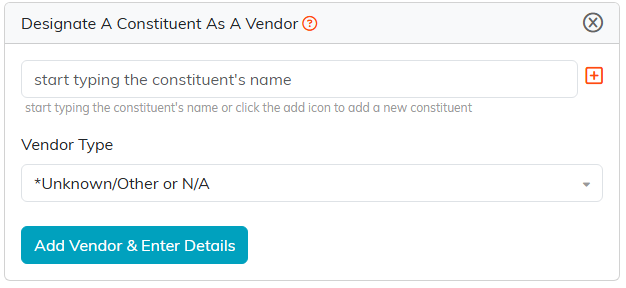
The orange plus beside the name box creates the constituent without leaving the screen.
Vendor Details
- Vendor Status - whether you are still doing business with them
- Vendor Type - how you classify them
- Standard Payment Method - how you normally pay this vendor
- Our Account Number - your account number with them, which is the one you quote when you call
- Chapter, Division, and Department, plus District and Precinct for political organizations
Contact details are not on this page. Open the constituent record to change an address or phone number.
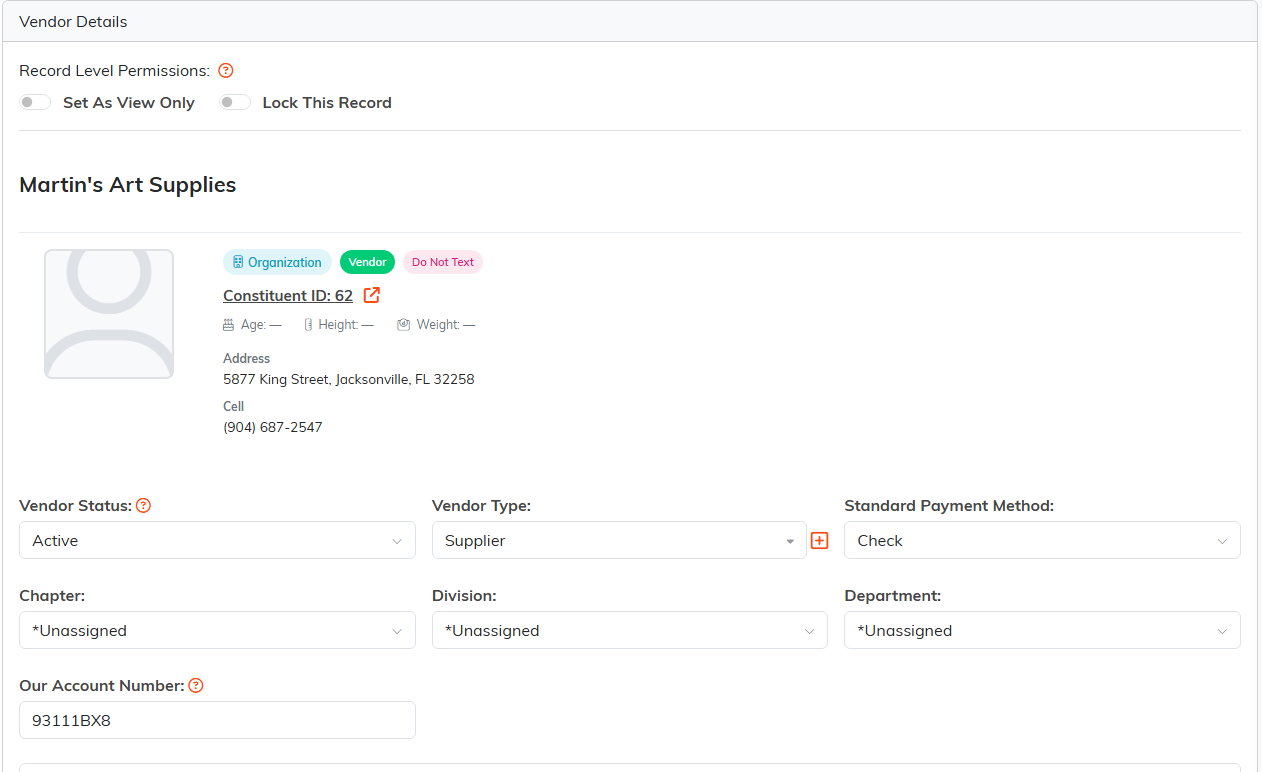
Contact details are read from the constituent, not retyped here.
The Vendor Workspace
- Vendor Details - the fields above
- Products - the products you buy from this vendor
- Follow-Up - reminders and follow-up tasks
- Contact Log and Email Log - your history with them
- Vendor Files and Vendor Notes - documents and internal notes
- Record Permissions - who can view or edit this record

Every page of the vendor is on this bar.
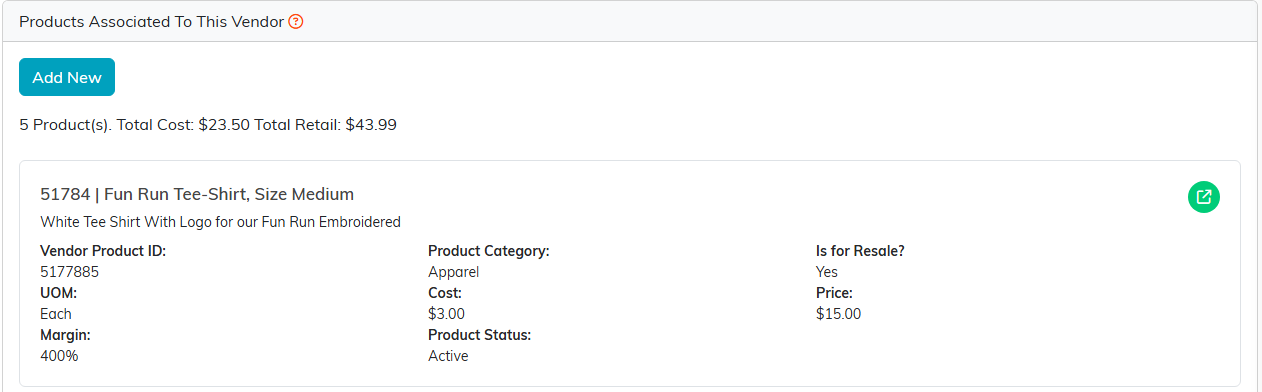
Products totals the cost and the retail value of everything you buy from them.
Vendor or Constituent?
It is not either/or. A vendor is a constituent with a vendor record attached, the same way a donor is. One organization can be a vendor and a donor at once without duplicate records, which is exactly why Argenta builds it this way.
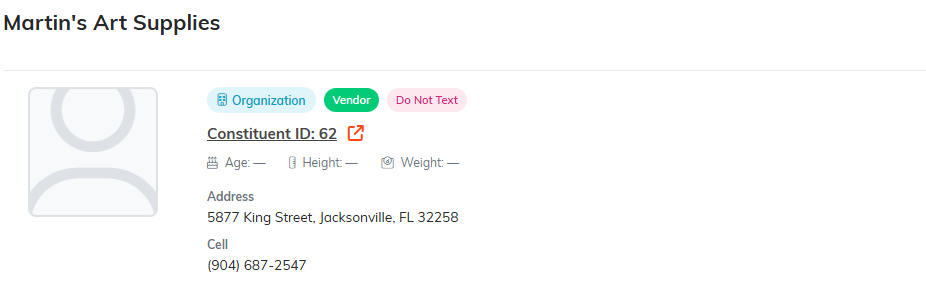
The green Vendor pill sits beside the constituent type. Both are true at once.
Finding Vendors
Search by ID, name, or email address. The filter panel narrows by vendor status, vendor type, and payment method among others, and you can export the list to CSV.

Search, filter, then export what you are looking at.
