Knowledge Base Article
How to Generate Financial Reports
Board packets, audits, and month-end reviews all pull from one place: the Financial Reports category in the Report Center.
Find them
Click Report Center at the top right of the screen and open the Financial Reports card.
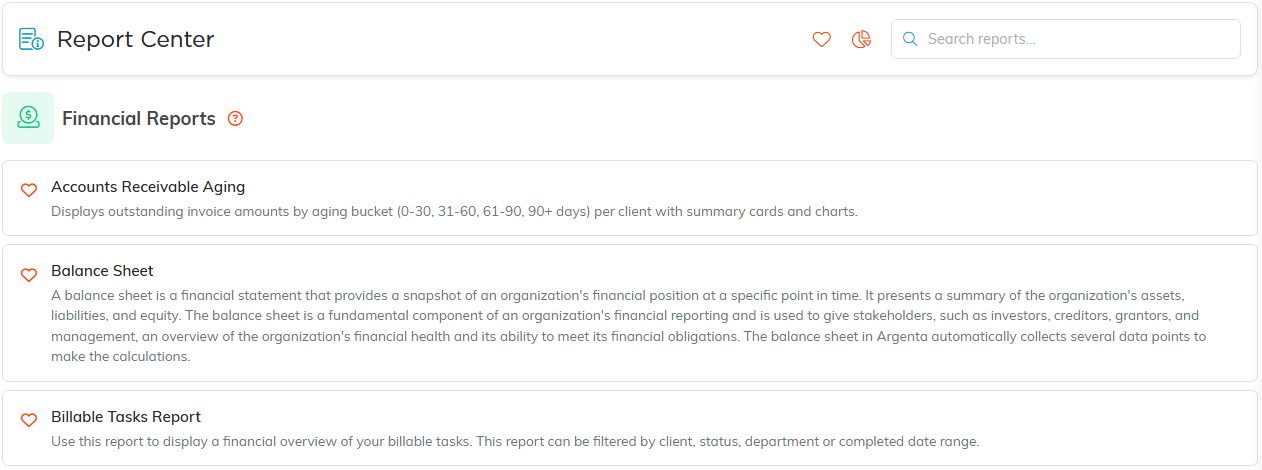
Financial Reports, with what each one does.
The ones you will reach for most
- Income Statement gives you income, expenses, and net income across a date range. It opens on year-to-date.
- Balance Sheet gives you assets, liabilities, and equity as of a single date. It opens on today.
- Statement of Activities Report is account-level revenue and expenses for the period, with totals and charts. This is the presentation most boards and auditors expect.
- Trial Balance lists every account with debits and credits as of a date, grouped by account type, with a balance check at the end.
- Budget to Actual compares what you budgeted to what actually happened, with variance and percent of budget by account.
- Cash Flow Forecast projects your cash position forward from the inflows and outflows on your cash accounts.
- Funds Detail Report and Fund Expenses Detail Report split activity out by fund, which is what you need when you carry restricted money.
- Expense Details By Category Report and Expense Details by Payee Report answer where the money actually went.
- Accounts Receivable Aging and Past Due Invoice Report cover what is still owed to you.
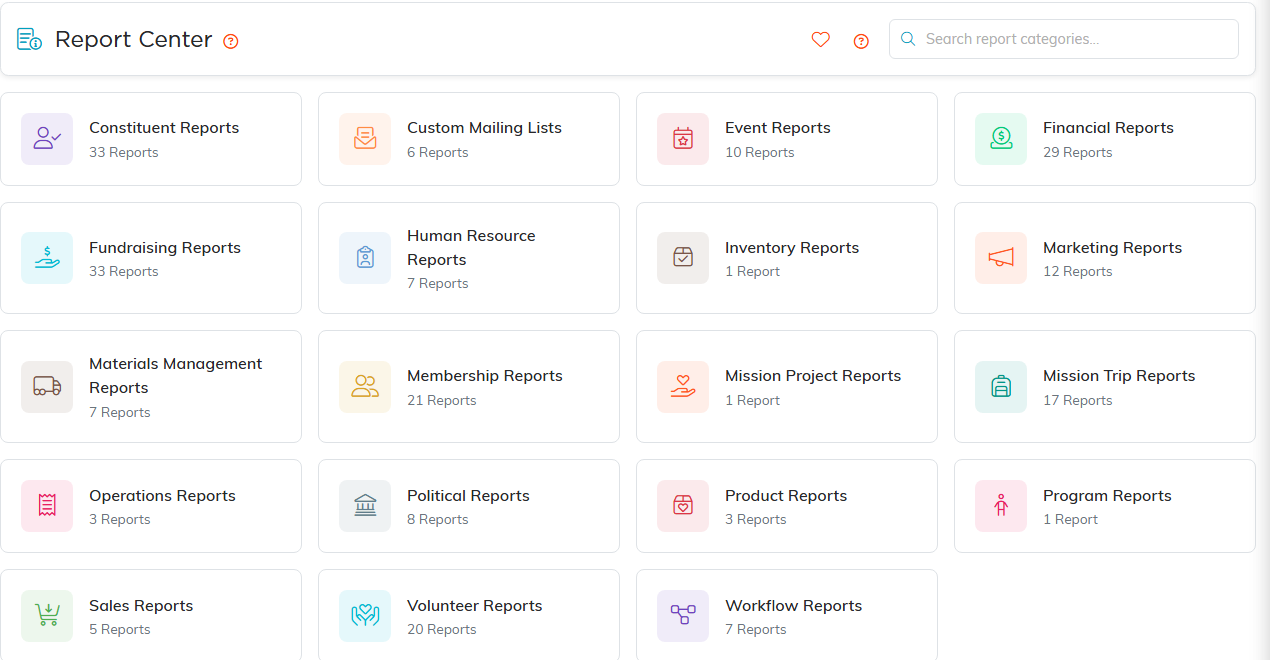
The Report Center. Every category card shows how many reports it holds.
Run one
- Open the report. The Report Filters panel is already showing at the top.
- Set the dates. Some reports take a Date Range. Point-in-time reports like the Balance Sheet and the Trial Balance take a single As Of Date instead.
- Set anything else the report offers. Budget to Actual, for instance, lets you pick a Budget and a Fund.
- Click Run Report. Reset Report clears everything if you want to start over.
Get it out of Argenta
Export buttons sit above the results, and which ones appear depends on the report. Export To CSV for spreadsheet work, Export To Excel for a formatted workbook, and Export To PDF for board packets and archives.

Both exports sit above the results.
Good to know
- Not every financial report is built the same way. The Trial Balance and Balance Sheet are built from your chart of accounts and the entries posted against it, so they only show accounts with activity. The Income Statement summarizes your donations, payments, and sales directly. If two reports disagree, that difference in source is usually why.
- Argenta does not schedule reports to run and email themselves on a timetable. Run the report when you need it, then export and send.
- Click the heart beside a report name to gather your whole month-end set into My Favorite Reports.
New to the Report Center? Start with How to Use the Report Center.
