Knowledge Base Article
What is the difference between Auction Types and Item Types?
Argenta keeps four separate lists for auctions. Two describe the auction and two describe an item inside it.
Auction Type
Auction Type describes how the auction is run, and it is set on the Auction Details tab. Argenta ships with Online Auction and Live Auction.
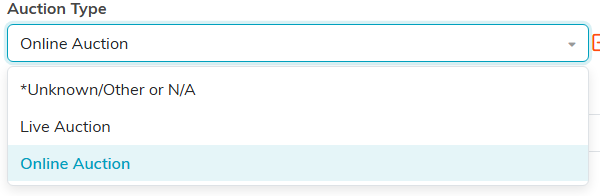
Auction Type is set on the Auction Details tab. Your own list will look different once you add to it.
Auction Category
Auction Category sits right beside Auction Type on the same tab, and it describes what kind of event it is rather than how the bidding works. The ones Argenta provides are Fine & Decorative Arts Show & Auction, Car Show & Auction, Antique Road Show & Auction, Service Auction, and General Fundraiser.
The two work together. A single auction can be an Online Auction by type and a General Fundraiser by category.
Auction Item Type
Auction Item Type describes an individual item, and it is set on the item, not on the auction. Argenta provides a small starter list, including Service, Furniture, Automobile and Comic Books.
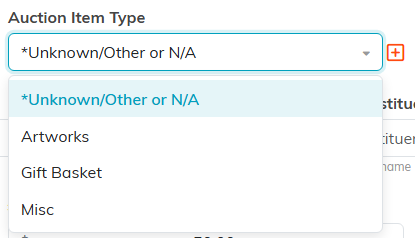
Auction Item Type is set on each item, not on the auction.
Auction Item Category
Auction Item Category is a second label on the same item, for finer sorting. This list starts out empty, so everything in yours will be something your organization added. Groupings like artwork, food and drink, or gift baskets are the sort of thing teams build here.
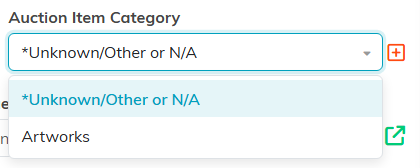
Auction Item Category is a second label on the same item.
How they fit together
One auction carries a Type and a Category. Every item inside that auction carries its own Item Type and Item Category. So your annual gala can hold experiences, gift cards and artwork, each labeled its own way, while the auction itself keeps a single description.
Making them your own
All four lists are classification codes, so an admin or master builder can add your own entries under Classification Codes: Auction Types, Auction Categories, Auction Item Types and Auction Item Categories.
Anything you add belongs to your organization alone. No other organization sees your entries, and you do not see theirs.
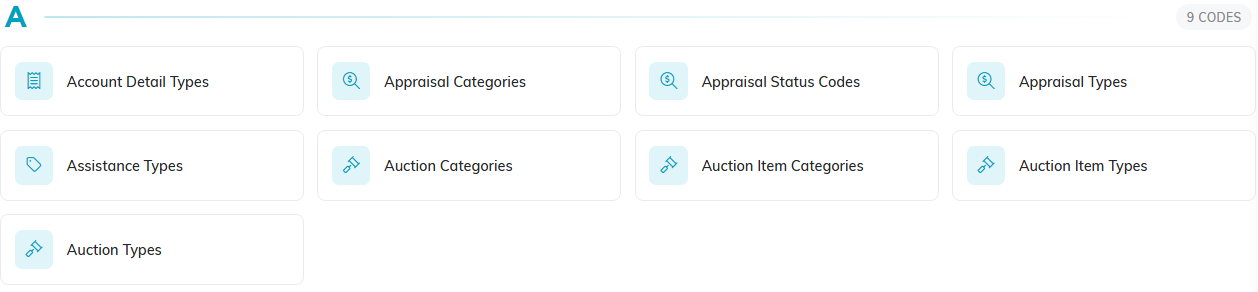
All four auction code lists sit under Classification Codes.
