Knowledge Base Article
How to Design the Public Auction Form
Customize how your auction looks to bidders on the public form.
Open Public Form Design
- Open the auction.
- Click Public Form Design in the workspace navigation.
The Public Form Design tab has a short Show Me How To Use This Page video at the top right; click it to watch, and use its chapters to jump to the part you need.

Public Form Design is one of the tabs in the auction workspace menu.
What you can set
- Banner Image: upload a header image to brand the form (Save As Banner Image).
- Auction Content: write the introductory text bidders see, using the rich-text editor.
The two save differently. The banner takes effect the moment you click Save As Banner Image, so it is already applied. Your Auction Content wording is held until you click Save All Changes, which sits at the top of the page and again at the foot.
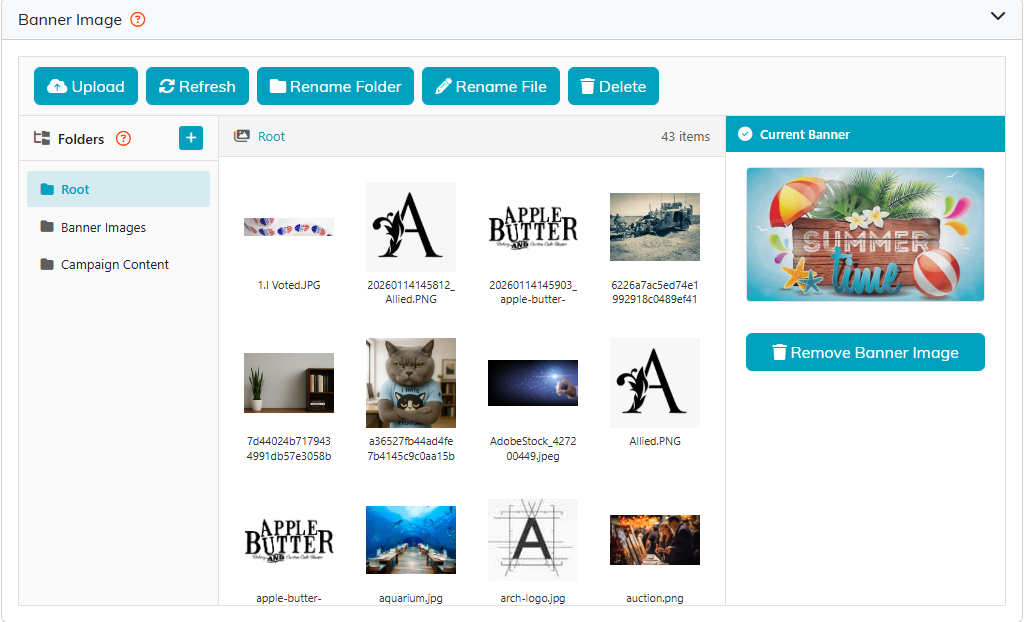
Pick a banner from your image library, or upload a new one.
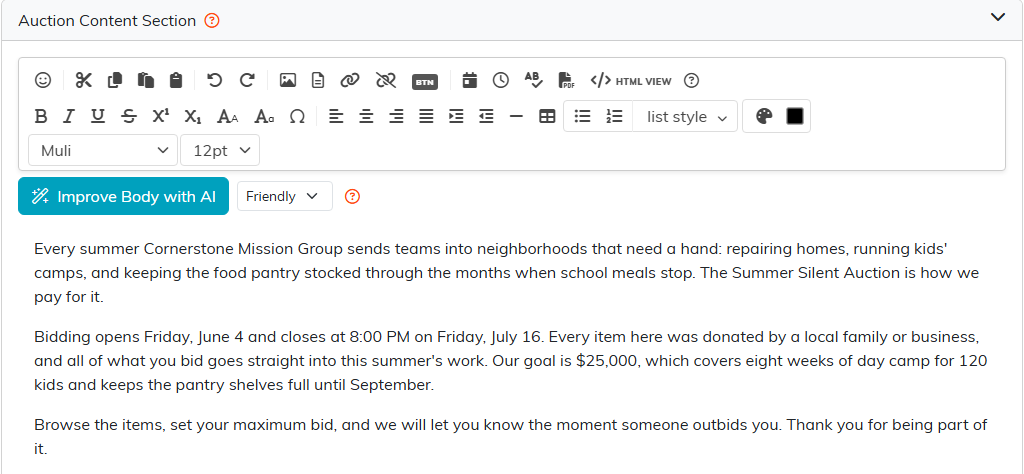
The Auction Content editor holds the text bidders read first.

Save All Changes sits at the top of the page.
Preview your form
- Open the Public Forms dropdown in the workspace navigation.
- Click Open Public Auction Form.
- Review what bidders will see, including how they register to bid with a card kept on file.
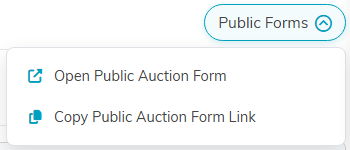
Open Public Auction Form shows you the live page.
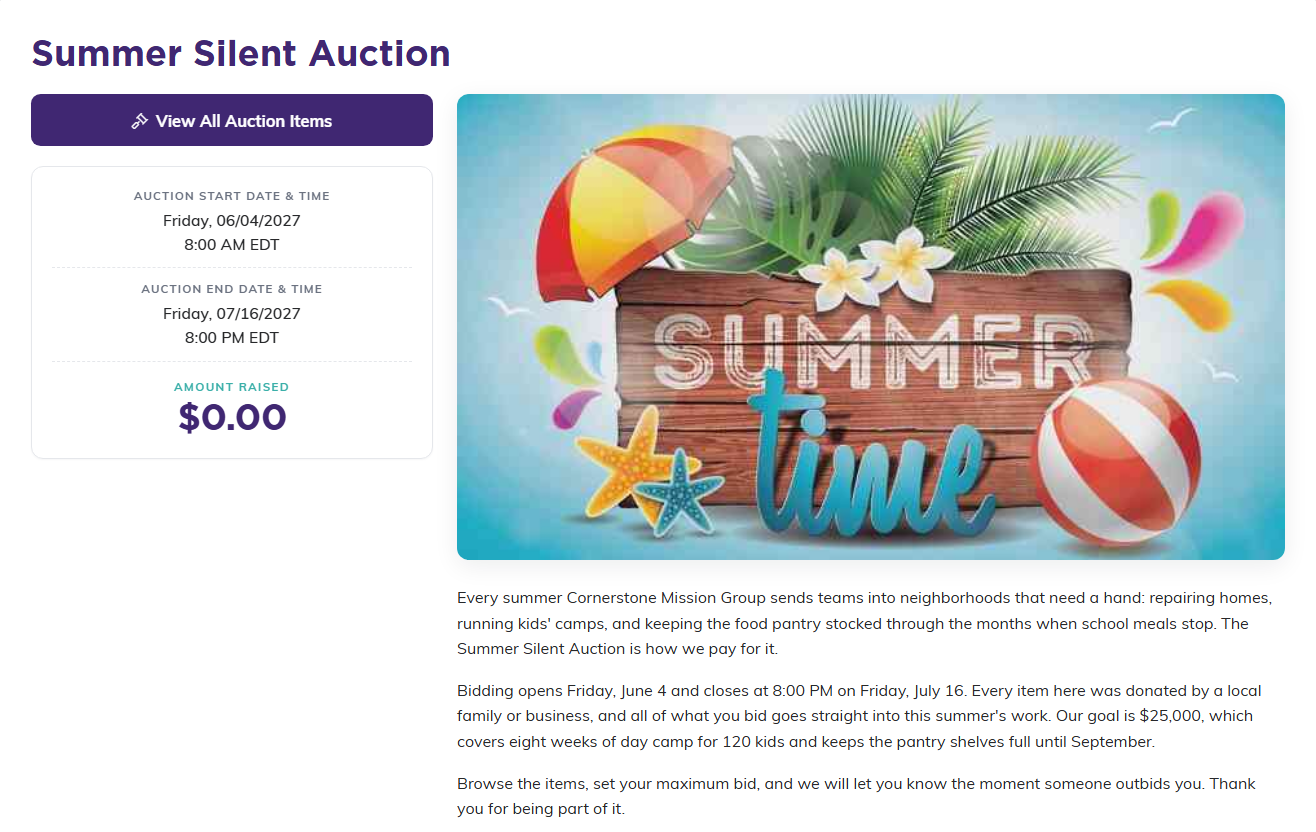
This is what your banner and content look like to a bidder.
Getting the link and the QR code
The Share The Public Auction Form card sits at the top of this same page. It holds your auction's Public Link with a Copy button, and a QR code you can save with Download PNG or Download SVG. The QR code is what goes on table cards, programs and signage on the night.
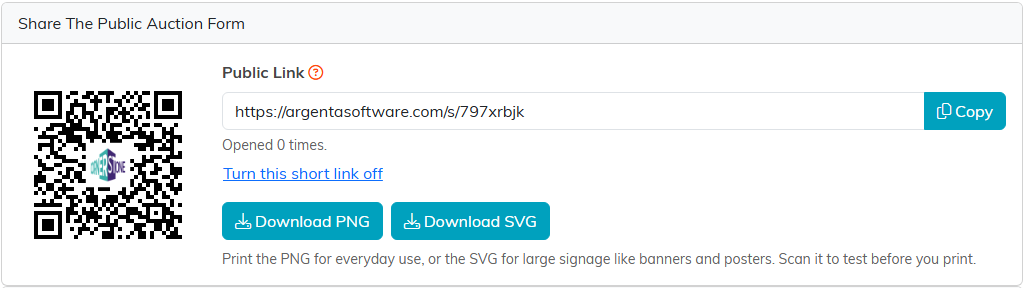
Share The Public Auction Form sits at the top of Public Form Design.
Branding tips
- Use your organization's logo or event branding on the banner.
- Size the image for clean web display.
- In the content, explain the cause and mention the auction dates and bidding deadline.
