Knowledge Base Article
How to Add Volunteers to a Program
Associate volunteers with your program to track who is helping deliver program services.
Accessing Program Volunteers
- Open the program
- Click Connections in the workspace navigation
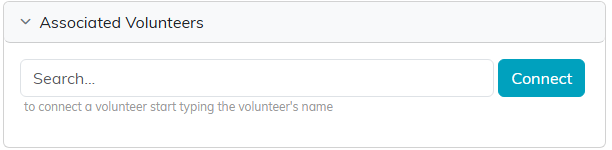
- Find the Associated Volunteers panel. Click a panel heading to expand or collapse it
Volunteers live on the Connections page, not as their own item in the workspace navigation.

Adding a Volunteer
- In the Associated Volunteers panel, search for the volunteer or pick them from the list
- Click Connect
Who Appears in the Volunteer Search?
Only constituents already set up as volunteers in Argenta. If someone is missing, create their volunteer record first under Volunteerism, then come back and connect them.
Managing Program Volunteers
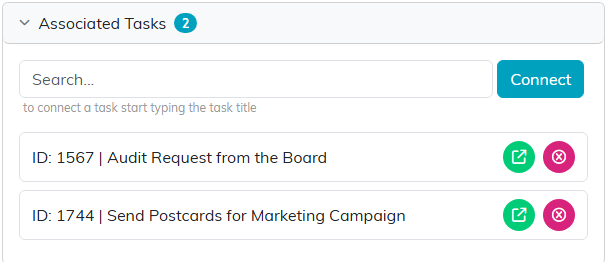
- Open: Click the green arrow to open the volunteer record in a new tab
- Remove: Click the pink X to break the connection. The volunteer record itself is not deleted. If the program is view-only for you, the search box and the pink X are not shown, so you can see the connections but not change them. If it is locked to you, the page shows only a message saying the record is locked.
The panel has no export button and no mail room button. To email program volunteers, build the list in the Mail Room under Manage Mailing Lists.
Tracking the Actual Work
Hours are recorded on each volunteer task, not on the volunteer connection.
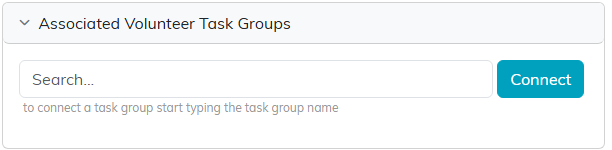
Connecting a volunteer records that they are involved. It does not record hours. For that, use the Associated Volunteer Task Groups and Associated Volunteer Tasks panels on the same Connections page. Hours are calculated from each task's start and end times, so the tasks are what feed the volunteer hours reports.
