Knowledge Base Article
How to Use the Email Queue
The Email Queue holds emails that have been scheduled but not yet gone out, so you can look at, change or cancel one before it leaves.
One row is one email to one person. A send to a list of 500 creates about 500 rows within moments of each other, and they leave a few at a time rather than all at once, so a large send drains over a while.
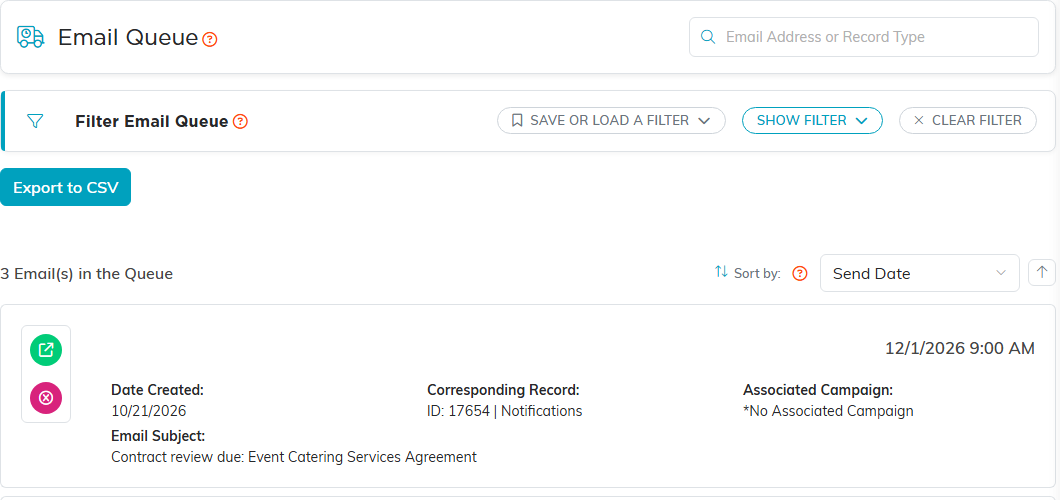
What you can do with a row
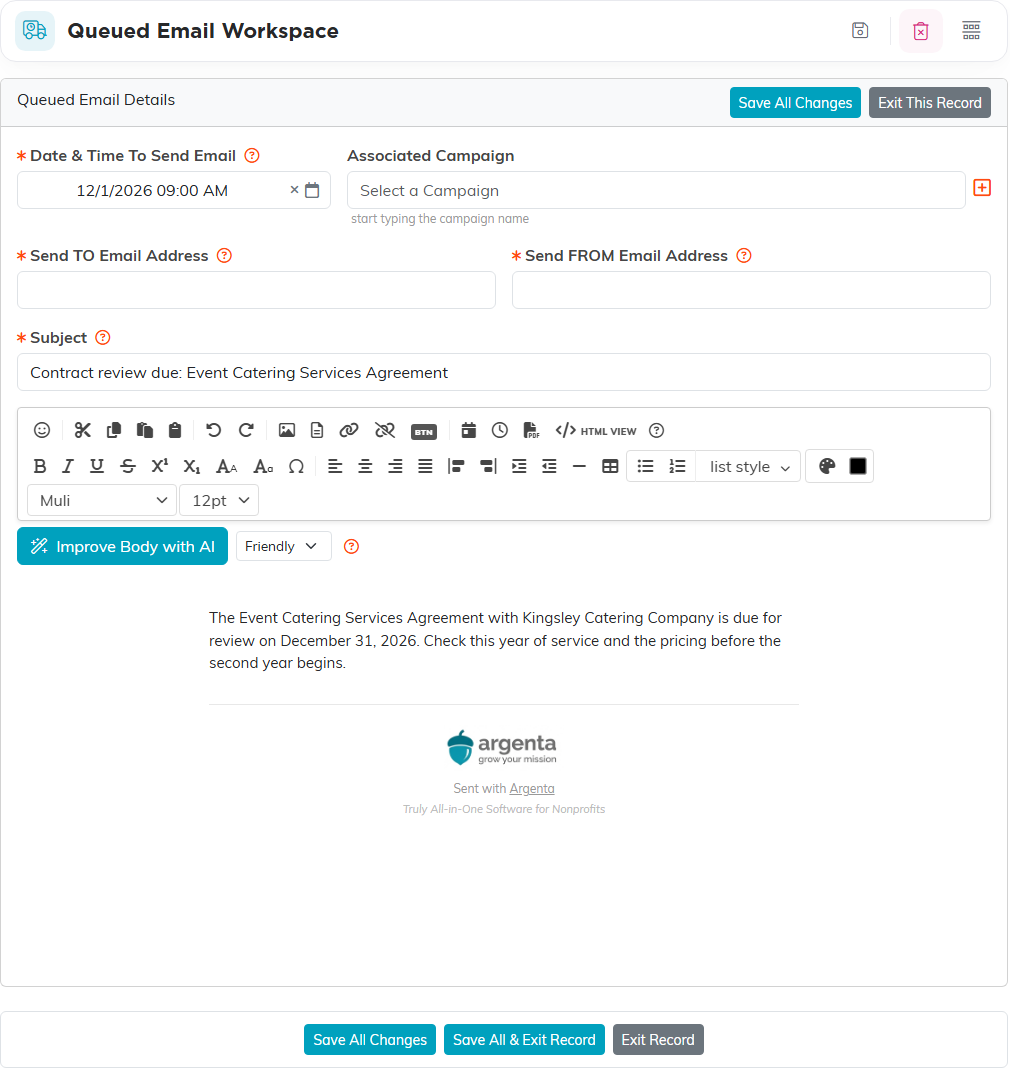
- Open it to see and edit the queued email, then Save All Changes.
- Delete it to cancel that one email. It cannot be undone, and it does not stop the rest of the send.
There is no Send Now, and there is no approval step. An email is in the queue because it is scheduled, not because it is waiting for anyone.
"Sent" does not mean delivered
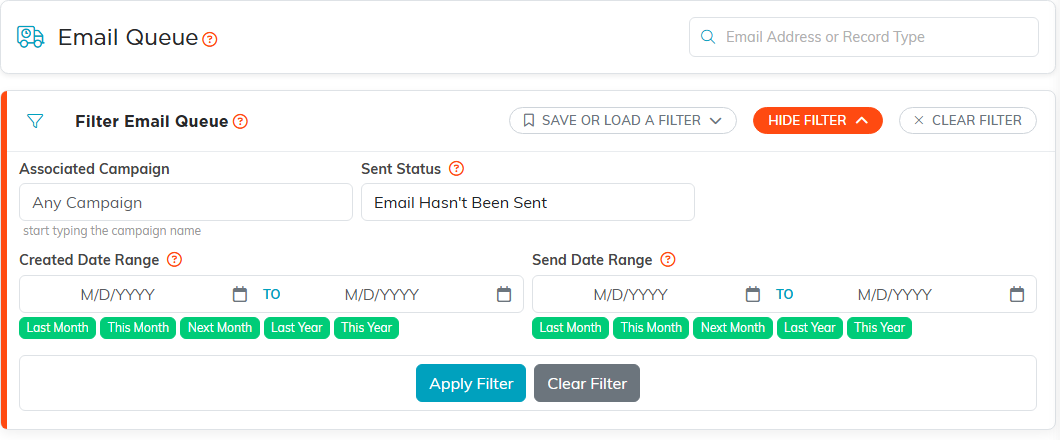
An email is marked sent once Argenta has finished with it, and that includes ones deliberately not delivered: the recipient had opted out, the address was blocked, or it failed every retry. The page opens showing only emails that have not gone yet. Switch Sent Status to Both Sent & Unsent to see everything.
The Automated Email Log lists only emails that actually went out. To find out why one was not delivered, use the Master Email Log, which Subscription Managers and administrators can open.
If a scheduled email never arrived
Past-due emails are listed too. No date filter is set when the page opens, so every unsent email shows, including one whose send time has passed but which never went. An unsent row with a send date in the past is the sign that something stopped it.
