Knowledge Base Article
How to Record In-Kind Donations
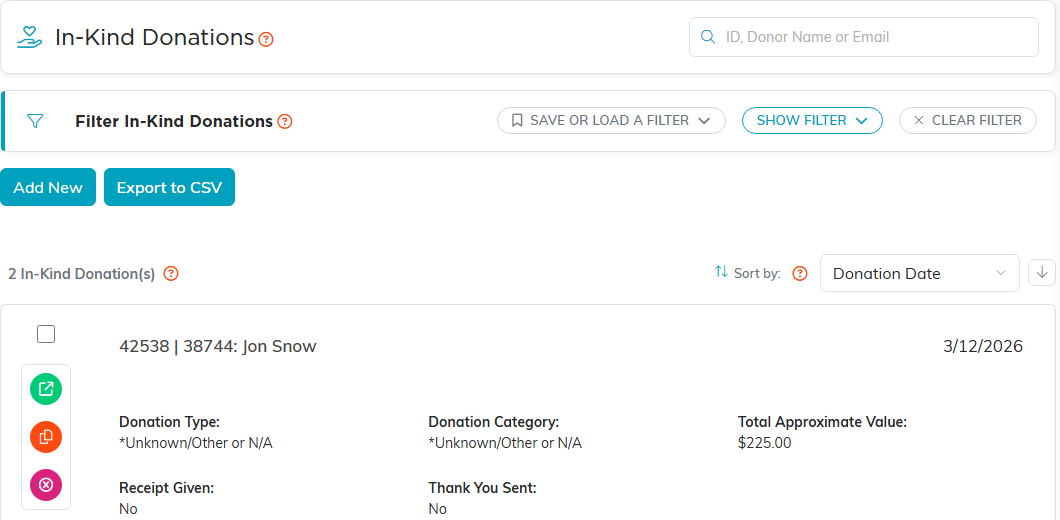
An in-kind donation is a non-cash gift of goods or services. Record it at Fundraising > In-Kind Donations.
These are separate from Material Donations under Materials Management, which are the goods that feed your stock. In-kind donations sit with your fundraising records and carry their own receipt.
Recording one
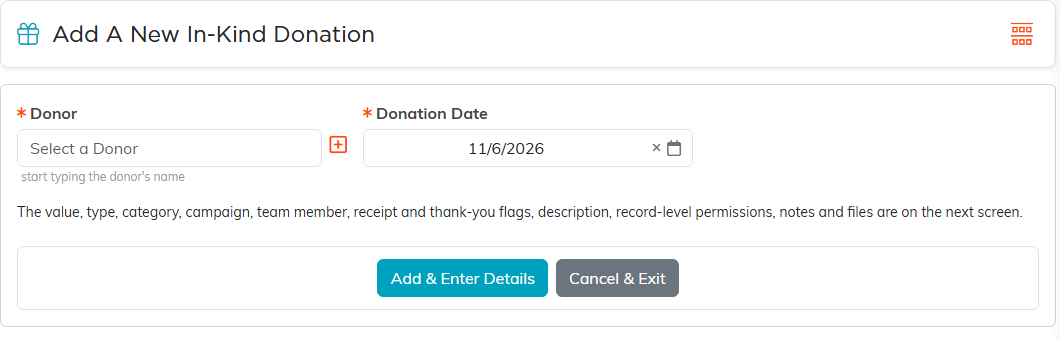
- Click Add New.
- Choose the Donor and the Donation Date, the only two required fields, and click Add & Enter Details.
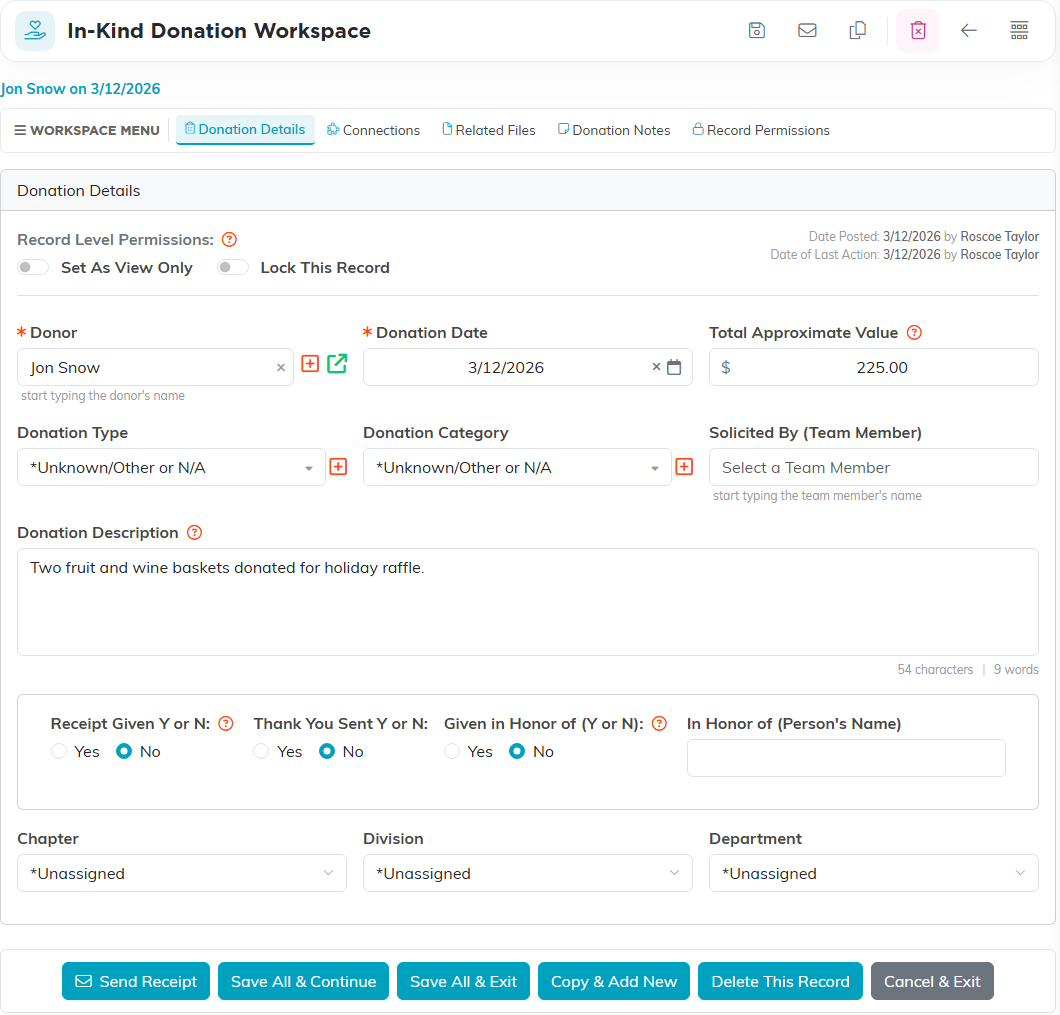
- On Donation Details, fill in Total Approximate Value. It is not required, and left alone it saves as $0.00.
- Add Donation Type, Donation Category and Solicited By (Team Member) as they apply, and describe the gift in Donation Description.
- If the gift was given in someone's honor, set Given in Honor of (Y or N) to Yes and put the name in In Honor of (Person's Name).
- Click Save All & Continue, or Save All & Exit to go back to the list.
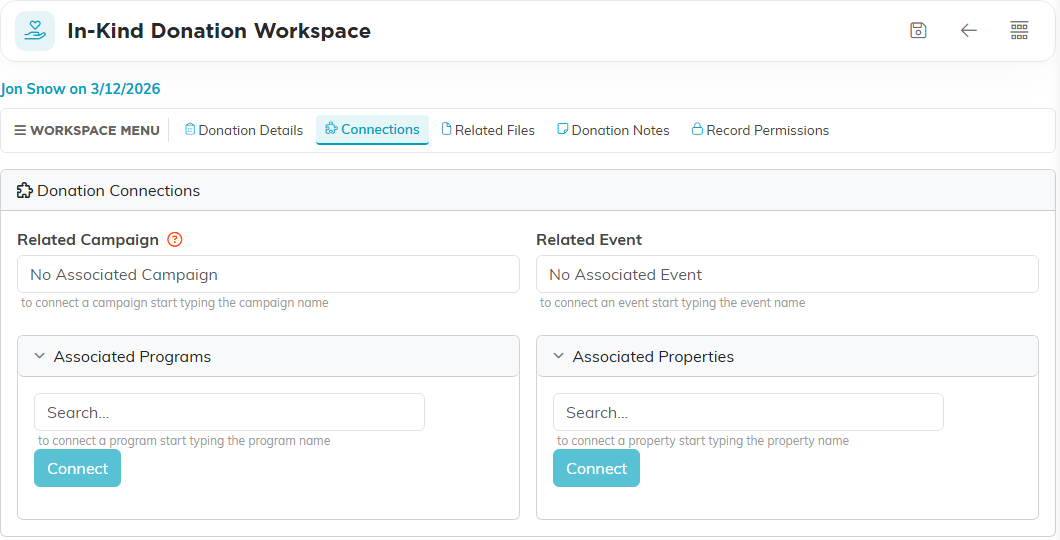
A campaign, an event, programs and properties are linked on the record's Connections page rather than on Donation Details.
What the value does, and what it does not
Total Approximate Value is your own estimate, kept for your records and your board reporting, so put your best figure in.
- It never appears on the receipt the donor gets.
- It is not added to any cash total, fund or ledger balance anywhere in Argenta. An in-kind gift will not move your donation figures.
If a donor asks what they can claim, point them to their own valuation rather than to this number. What a donor may claim, and what your organization should put in an acknowledgement, is not something Argenta decides for you.
Sending the receipt
Use Send Receipt on the donation. Three things to know:
- It needs the donor to have an email address on file and refuses without one.
- It sets Receipt Given to Yes on screen, but that only sticks when you save. Send, then save.
- Setting Receipt Given to Yes by hand emails nobody. It only records that you dealt with it another way.
A copy of every receipt also goes to the donation notification address set for your organization. If the gift was given in someone's honor, the receipt names them.
Worth doing
- Describe the goods properly. The description is what the donor sees on the receipt, and it is what makes the record mean anything a year later.
- Send the receipt and save in one go, so the flag matches reality.
- Agree on a house rule for estimating value, so two people do not record the same sort of gift differently.
