Knowledge Base Article
How to Manage Fund Transfers
A fund transfer moves money from one fund to another. The cash stays where it is; what changes is which fund it is counted against.
Recording one
- Go to General Financials > Fund Transfers and click Add A New Fund Transfer.
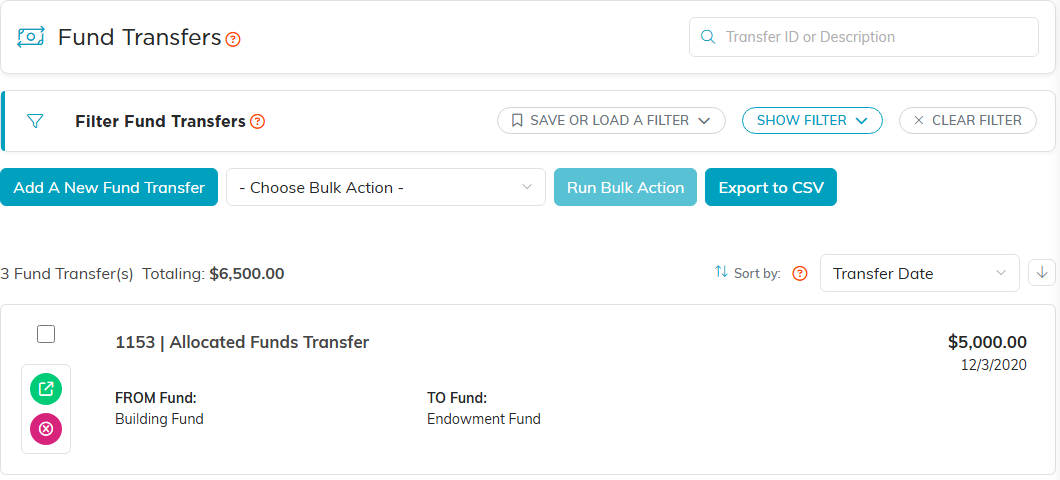
- Fill in the four required fields: Transfer Date, Amount, From Fund and To Fund.
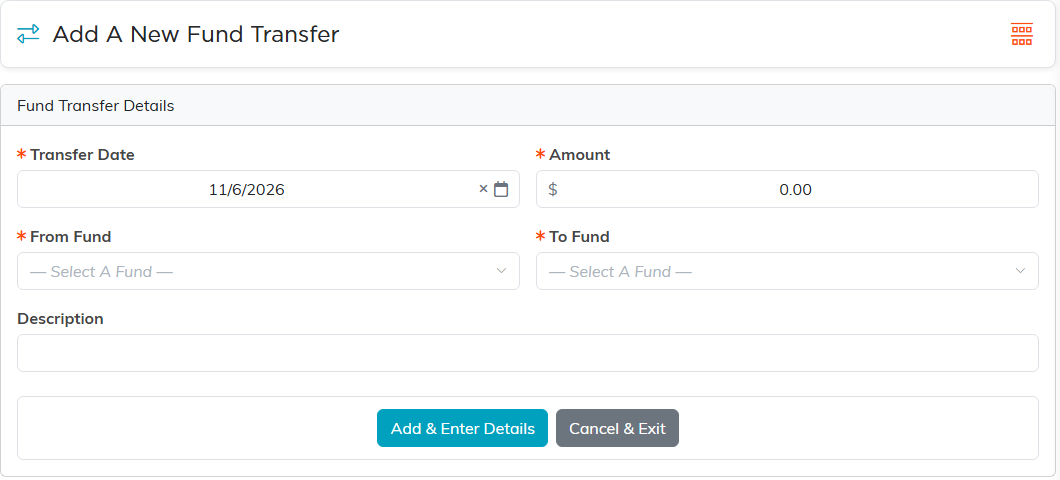
- Use Description to say why. On a fund transfer this is the field that matters most, because a reallocation with no explanation is the one an auditor asks about.
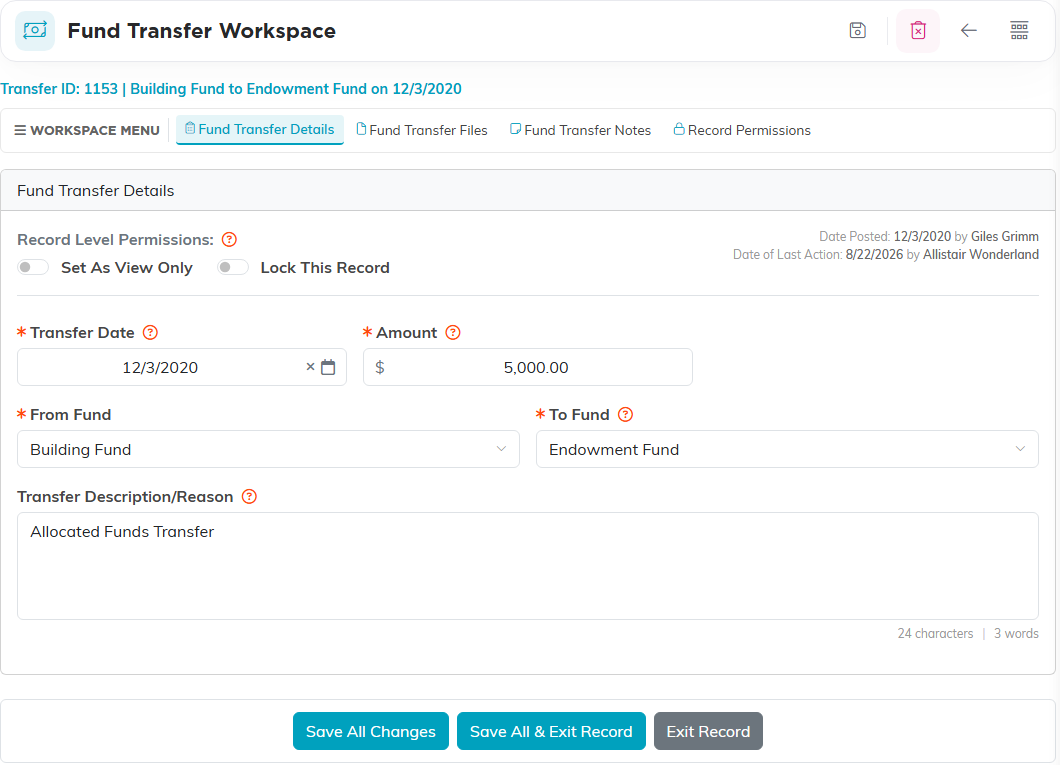
- Click Add & Enter Details. The transfer is saved and its details page opens.
Fund transfers are a financial page, so you need Finance Manager or Master Admin.
It does post to your books
A fund transfer is not just a note. Saving one writes a double entry, out of the source fund and into the destination, so the change shows in the general ledger like any other posted transaction. Your total cash does not change, and no bank account is touched.
Keeping the paperwork with it
Each fund transfer carries its own Fund Transfer Files and Fund Transfer Notes pages, plus Record Permissions. So a board minute or an award letter authorizing a reallocation can be attached to the transfer itself rather than filed somewhere else.
What people use it for
- Putting unrestricted money behind a particular program.
- Moving what is left of a campaign into the general fund once it closes.
- Correcting a gift that was recorded against the wrong fund.
- Tidying fund balances at year end.
Fund transfer or account transfer?
A fund transfer changes what your money is earmarked for. An account transfer records money you actually moved between bank accounts. If your bank statement will show it, you want an account transfer; if only your own books will, you want this.
