Knowledge Base Article
How to Record a Donation
Entering a donation by hand asks for three things. Everything else is filled in afterwards.
- Go to Fundraising > Donations and click Add New. The Add A Donation form opens.
- Fill in the three fields. Donor and Donation Date are required, and the date starts at today. Type the gift in Donation Amount.
- Click Add & Enter Details.
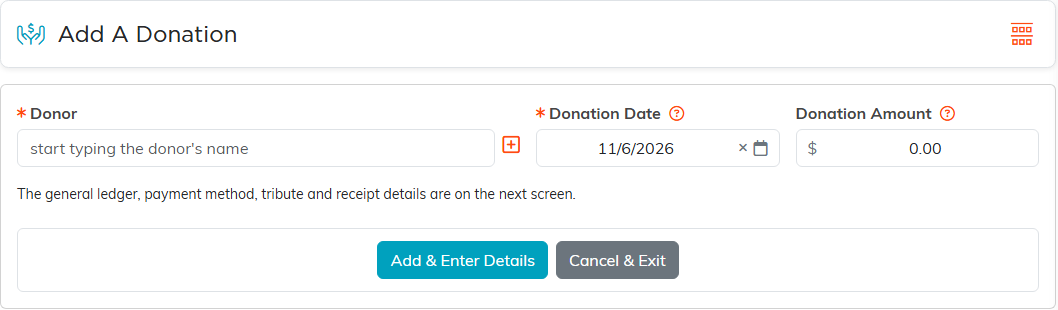
Nothing is written until you click that button, so leaving the form part-filled leaves no record behind.
Everything else is on the donation's own workspace
Payment method, the general ledger accounts, campaign, fund, tribute, soft credit, notes, files and the receipt all live on the donation once it exists. None of them are on the add form, and there is no way to set them there, because each of those controls needs a saved donation to attach to.
Online gifts
A gift made through one of your public donation forms is recorded for you, with nothing to enter by hand. A gift given through a campaign's public form is credited to that campaign's Associated Fund, or to your team's unassigned fund placeholder if the campaign has none.
