Knowledge Base Article
Add Websites
The Websites area holds every website your organization owns or manages, together with the technical details behind it: servers, hosting, domain registration, and SSL certificates. It is the place to put the information that otherwise lives only in one developer's head.
Click the building icon with your organization's name in the top-right corner and choose Our Websites.
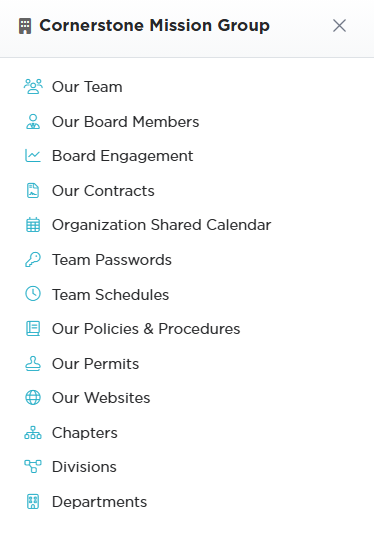
The building icon in the top-right corner opens this panel.
Adding a Website
- Click Add New. A short form opens asking for the Website Title and the Launch Date. Fill those in and click Add & Enter Details, and Argenta creates the website and opens the Website Workspace on Website Details. Cancel & Exit leaves nothing behind.
- Enter the Website Title (required) and the Launch Date (required).
- Fill in the rest as you have it, then save.

Add New opens a short form asking for the Website Title and the Launch Date.

Website Title and Launch Date are the two required fields.
Website Details
- Website Title (required) and Launch Date (required)
- Current Status - where the site is in its life
- Website URL DEV, Website URL TEST, and Website URL PROD - all three environments, so nobody has to guess which address is live
- Primary Developer or Business Analyst and Designer, Business Analyst or Secondary Developer - who to call
- Site Admin/CMS URL, Site Admin/CMS User ID, and Site Admin/CMS Password - how to get into the content management system
- Chapter, Division, and Department where your organization uses them

All three environments get their own box, so nobody has to guess which one is live.

These two fields are who to call when something breaks.

The CMS login lives here, which is why these records get locked.

Fill these in if your organization uses them.
Lock Records That Hold Credentials
Because Website Details can hold a CMS login, treat these records as sensitive. Lock This Record at the top of the page restricts who can open it at all, Set As View Only stops edits, and the Record Permissions page grants access person by person. Do this when you create the record, not after you paste the password in.

Set both of these when you create the record, not after you paste the password in.
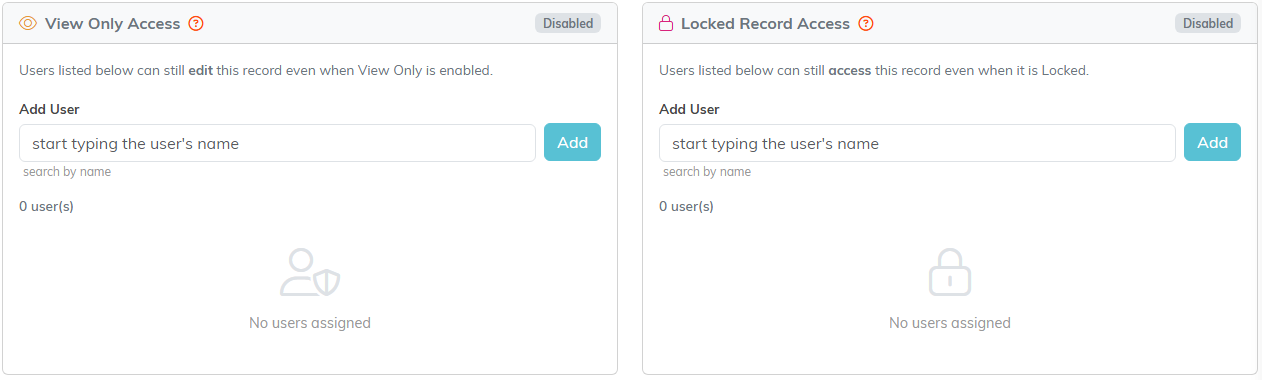
Record Permissions names the people who can still get in.
The Technical Pages
The rest of the workspace is where the infrastructure detail goes, each on its own page:
- Web & Database Servers - what the site runs on
- Hosting Provider - who hosts it and the account details
- Domain Name Registration - where the domain is registered and when it renews
- SSL Certificates - certificates and their expiry, which is the one that takes a site down when it lapses. A certificate cannot be saved with a Date Expires before its Date Issued
- Website Spec Lists - the specifications for the site
- Related Files and Notes - contracts, designs, and anything else worth keeping
- Record Permissions - who can view or edit

Each piece of infrastructure detail has its own page on this bar.
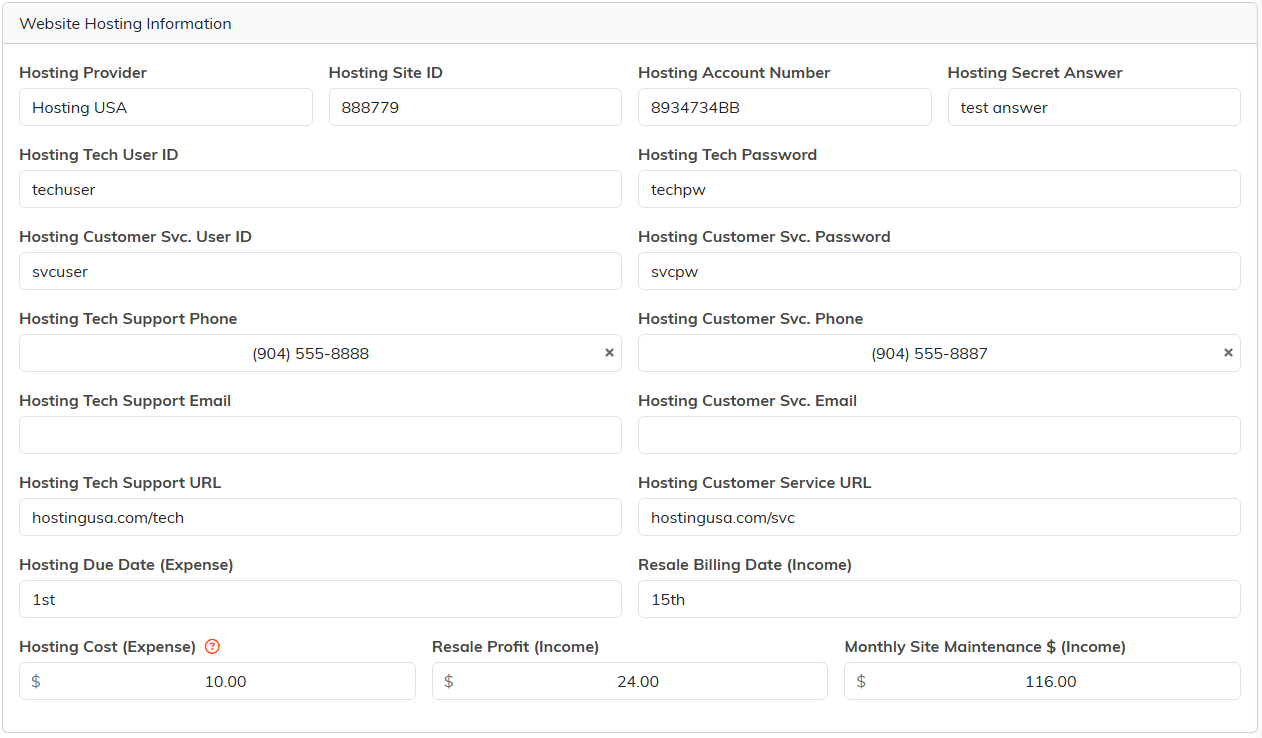
Hosting Provider holds the account details and what the hosting costs.
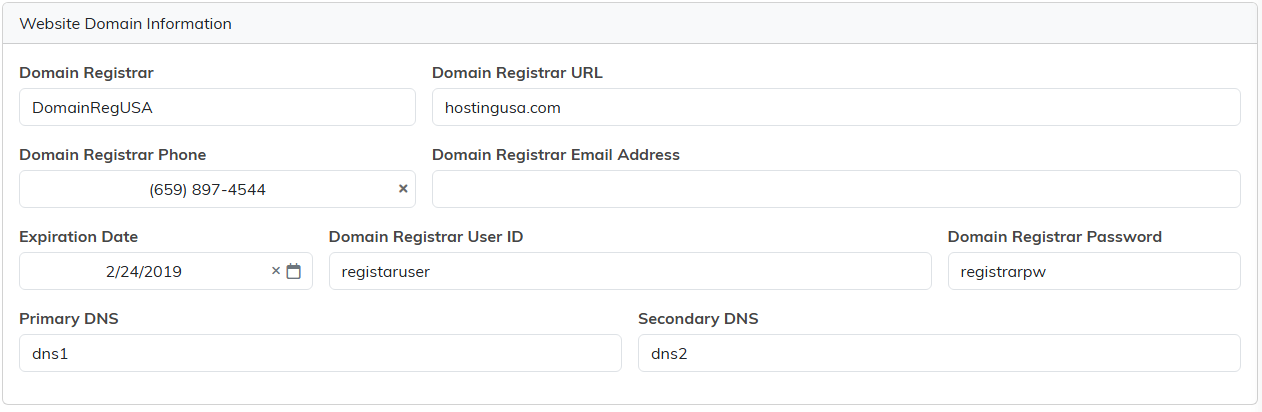
Domain Name Registration is where the expiration date lives.
Why Fill All of This In
The value shows up the day the person who built the site is unavailable and the domain is about to expire. Recording the registrar, the hosting account, and the certificate expiry when everything is calm is what makes that day uneventful.
