Knowledge Base Article
Add Vendors
A vendor is anyone who supplies a product or service to your organization. In Argenta a vendor is always a constituent first, so you designate an existing constituent as a vendor rather than creating a separate vendor record from scratch.
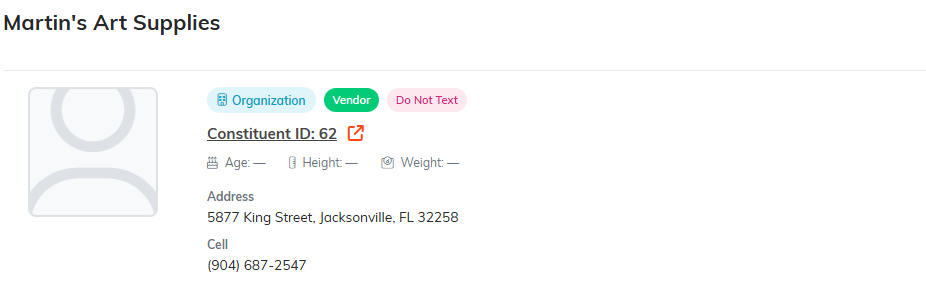
The green Vendor pill sits on the constituent, which is why there is no second record.
Add a vendor
- Choose Products & Inventory > Product Vendors from the menu on the left to open your Product Vendors list.
- Click Add A New Vendor.
- In the lookup that reads start typing the constituent's name, start typing the name and pick them from the list. This one is required. If they are not in Argenta yet, click the add icon to create the constituent without leaving the screen.
- Choose the Vendor Type from the drop-down.
- Click Add Vendor & Enter Details.
Argenta creates the vendor, opens the Vendor Workspace, and the new vendor appears in your Product Vendors list.
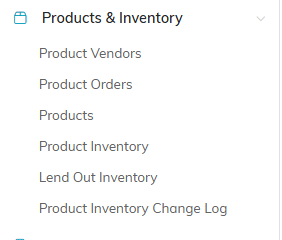
Product Vendors is the first item under Products & Inventory.

Add A New Vendor opens the designate screen.
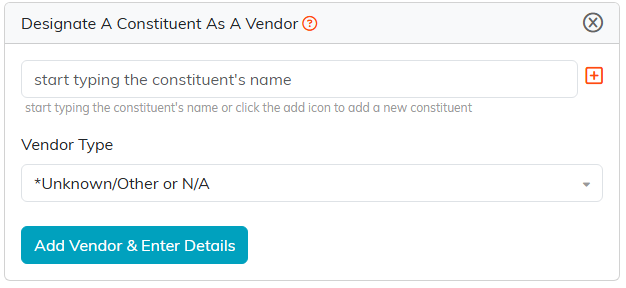
Pick the constituent, choose a type, then Add Vendor and Enter Details.
Fill in the rest
On Vendor Details you can record the things that matter when you are ordering and paying:
- Vendor Status and Vendor Type.
- Our Account Number, the account number this supplier has you under.
- Standard Payment Method, how you normally pay them.
- Chapter, Division, and Department, plus District and Precinct for political organizations.
The vendor's name, address, and contact details are not repeated here. They live on the constituent record, which is the point of designating a constituent rather than duplicating them.
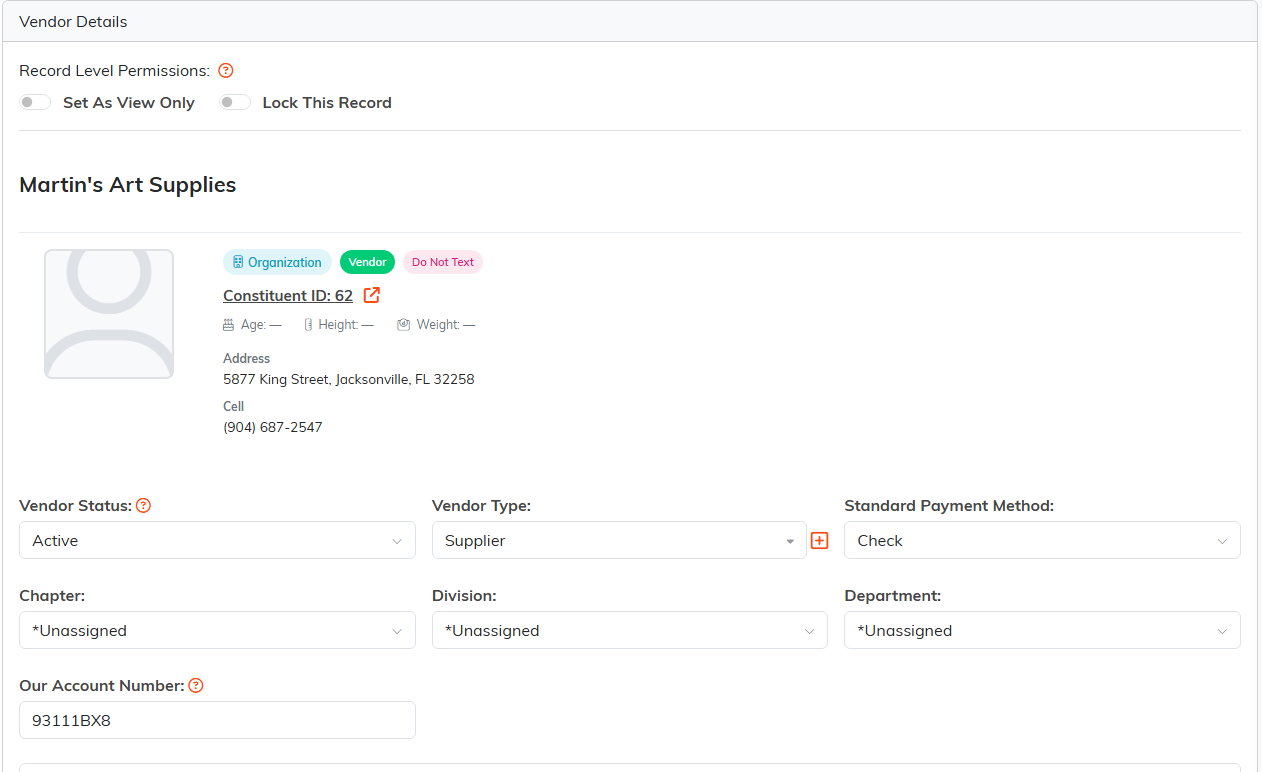
Status, type, account number and payment method all live here.
The rest of the Vendor Workspace
- Products lists everything in your catalog you buy from this vendor.
- Contact Log and Email Log keep the history of dealing with them.
- Follow-Up keeps track of what you still need to do with the vendor.
- Vendor Files and Vendor Notes hold contracts, price lists, and anything worth remembering.
- Record Permissions names the people who can still work on the record when it is set to view only or locked; the Set As View Only and Lock This Record switches are on Vendor Details.

Every page of the vendor is on this bar.
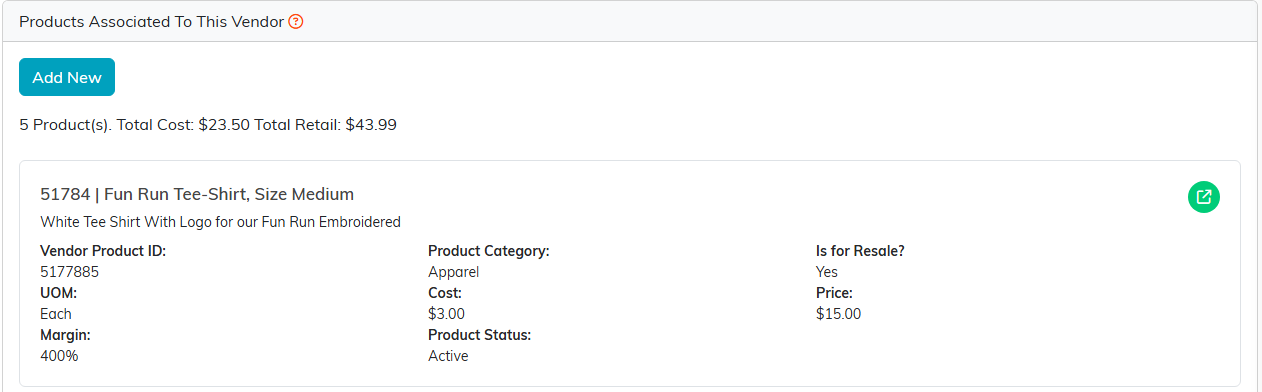
Products lists everything in your catalog that comes from this vendor.
Once the vendor exists you can raise orders against them. See Add Product Order.
