Knowledge Base Article
Add Community Clubs and Groups
Argenta lets you keep track of the community clubs and groups your constituents are affiliated with. This is helpful information for networking and growing connections between your supporters.
To add a new community club or group, select Constituents (CRM) > Community Clubs from the main menu on the left side of the screen. This opens your list of community clubs and groups. From there, click the Add New button.
The Add A New Club/Group window opens. Enter these details for your new club/group:
- Category – Use the drop-down list to select a category for the club/group you’re creating. This is a required field.
- Club/Group Name – Type the name of the new club/group into this field. This is a required field.
- Description – Add a description of the club/group if you’d like. This field is optional.
Once you’ve entered the information, click the Add This Club/Group button. This returns you to the complete list of clubs/groups with your new club/group added.

Associations and Clubs on a record.
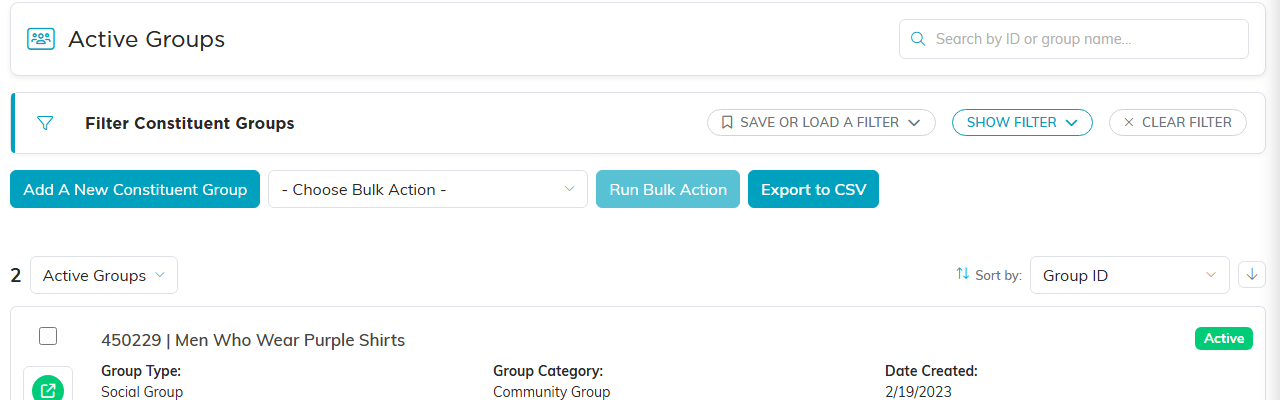
The Constituent Groups list.
