Knowledge Base Article
Add Delegates
A delegate is a constituent your organization designates as a representative for a convention, council, or other representative body. You first add the person as a constituent, then designate them as a delegate.
Add a delegate
- Go to Voting & Elections > Delegates and click Add A New Delegate.
- On the Designate A Constituent As A Delegate screen, start typing to find the constituent. If they are not in Argenta yet, click the add icon to create them first.
- Click Add Delegate & Enter Details. This creates the delegate and opens the Delegate Workspace on the Delegate Details page.
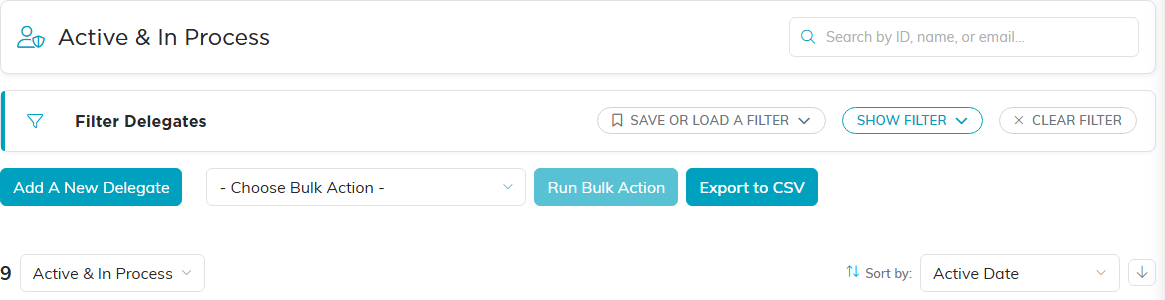
Add A New Delegate sits under the filter bar.
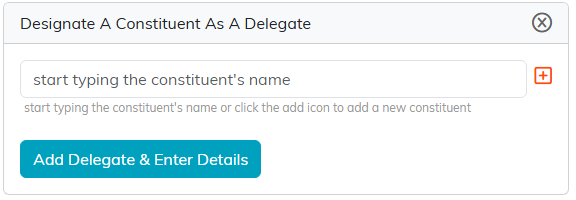
Start typing a name, or use the orange add icon to create the constituent first.
Fill in Delegate Details
- Record Level Permissions: the Set As View Only and Lock This Record switches.
- Delegate Status: In Process, Active, or Inactive.
- Delegate Number and Preferred Payment Method.
- Delegate Type, Delegate Category, and Delegate Level: pick from the drop-downs. An admin can also add a new option with the orange add icon.
- Delegate dates: Active Date, Delegate Start Year and End Year (4-digit), Application Date, Nomination Date, Approval Date, and the Delegate Term Start Date, Term End Date, and Renewal Date.
- Organization and assignment: Chapter, Division, Department, District, Precinct, Acquisition Source, and Associated Campaign.
- Suspension: set Is Suspended? to Yes to record a Suspension Reason, Suspension Start Date, and Suspension End Date.
- Inactive: when Delegate Status is Inactive, enter the Inactive Date and Inactive Reason.
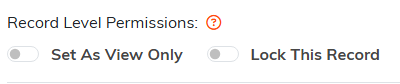
The two permission switches at the top of Delegate Details.

Delegate Status, the delegate's number, and how they usually pay.

The orange add icon, shown to admins, adds a new option without leaving the page.
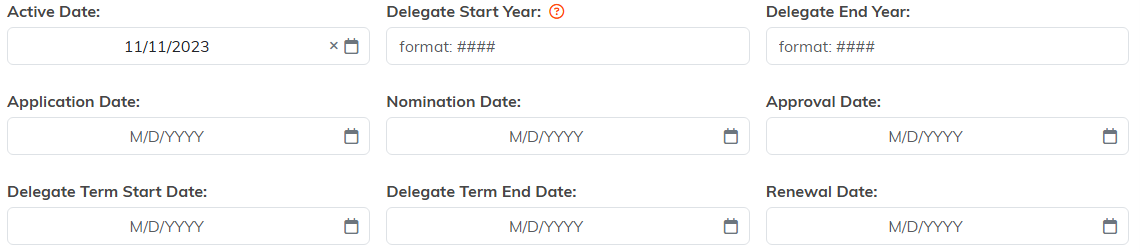
The two year fields take four digits. The rest are dates.
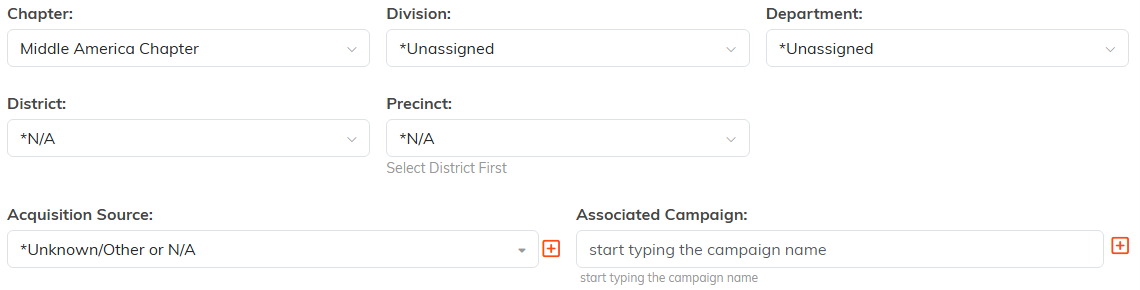
Pick a District before Precinct will let you choose.
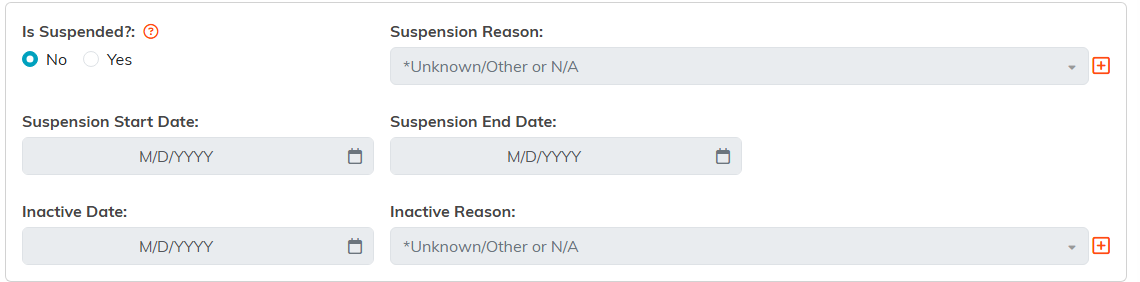
Switch Is Suspended to Yes and the greyed-out fields open up.
Save with Save All Changes & Continue or Save All Changes & Exit.

The buttons at the foot of Delegate Details.
The rest of the Delegate Workspace
Beyond Delegate Details, the workspace has Follow-Up, Notifications, Contact Log, Email Log, Delegate Files, Delegate Notes, and Record Permissions tabs. To record what a delegate pays, see Add Delegate Payments.

The workspace menu wraps onto a second line when the window is narrow.
