Knowledge Base Article
Add Meeting Minutes
Meeting Minutes record what was discussed in a meeting and what was decided, so the decisions survive after everyone's memory of the room has faded.
Go to Workflow & Productivity > Meeting Minutes. Projects and clients have their own Meeting Minutes page in their workspace for meetings about them.
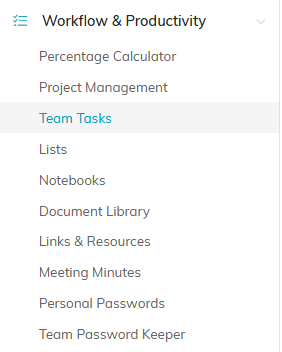
Meeting Minutes sits under Workflow & Productivity in the left menu.
Adding Meeting Minutes
- Click Add New. A short form opens asking for the Meeting Date and the Title of Meeting Minutes. Fill those in and click Add & Enter Details, and Argenta creates the record and opens the Meeting Minutes Workspace. Cancel & Exit leaves nothing behind.
- On Meeting Minute Details, enter the Meeting Date (required) and the Title of Meeting Minutes (required). The title box holds 150 characters and stops accepting text at that point, so if typing seems to stall you have reached the limit; put the rest in the Short Description.
- Add a Category, a Short Description, and an Associated Client/Customer if the meeting concerned one.
- Set Chapter, Division, or Department if the meeting belongs to part of the organization.
- Save.
For a meeting you hold regularly, use the orange Copy & Add New icon on the list rather than starting fresh each time.

Add New opens a short form asking for the Meeting Date and the Title of Meeting Minutes.
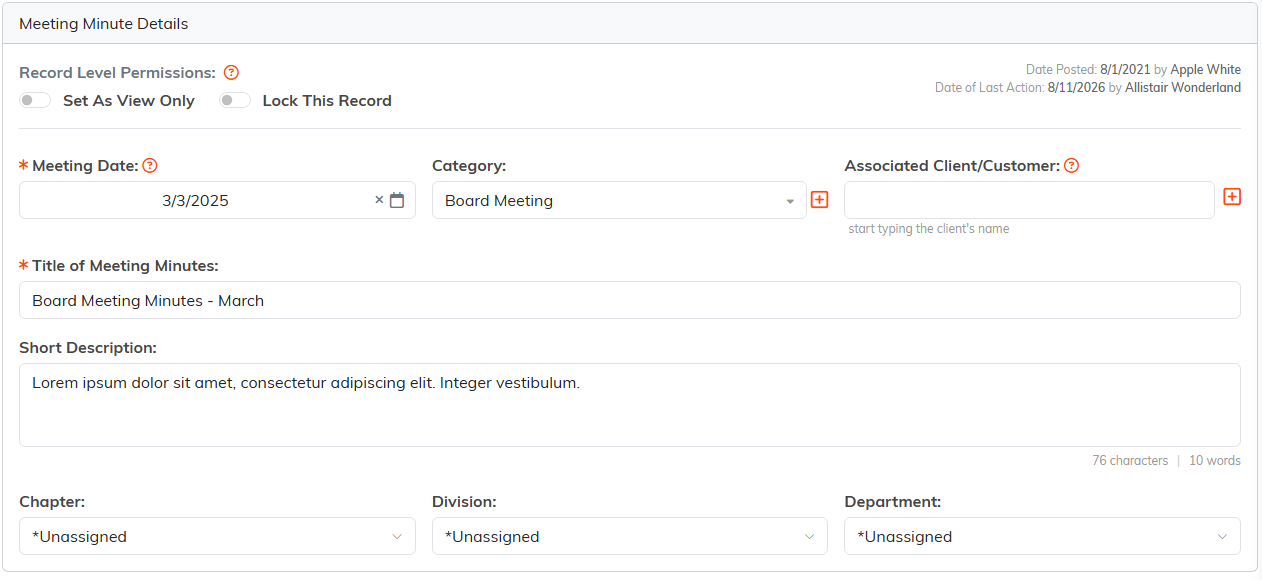
Meeting Date and Title of Meeting Minutes are the two required fields.
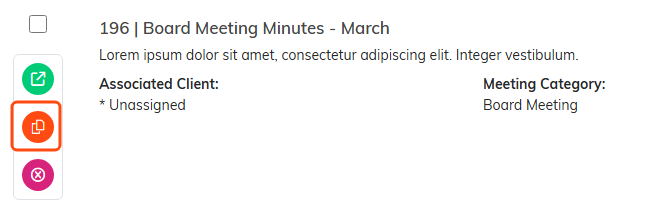
The orange icon copies a meeting you hold regularly into a fresh record. The copy is named A Copy of followed by the original's title, so you can find it by searching for the original.
Recording the Minutes
The details page is the header only. The minutes themselves go on one of two pages:
- Meeting Minutes (Text) - type or paste them into Argenta, where they sit on the meeting's Text page
- Meeting Minutes (File(s)) - attach a document, for minutes drafted and approved elsewhere
Either is fine. Text can be read right in Argenta; a file is easier when minutes are formally signed off. The list searches by ID and title only, so give each meeting a clear title.
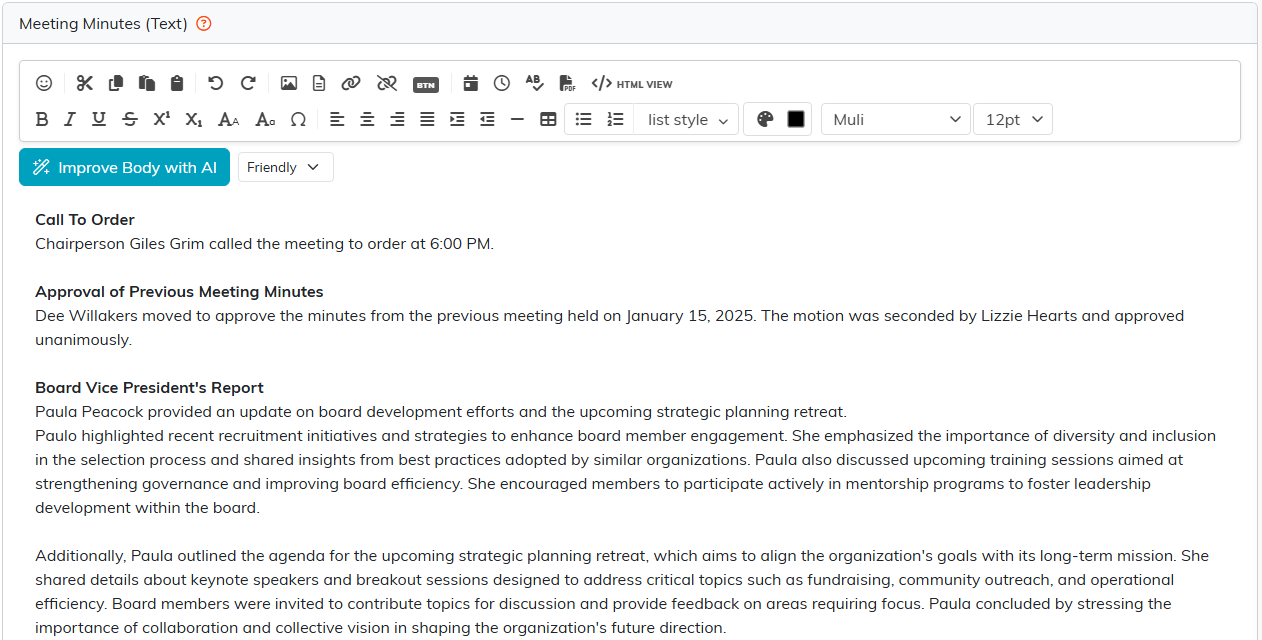
Minutes typed here are read on the meeting's Text page.
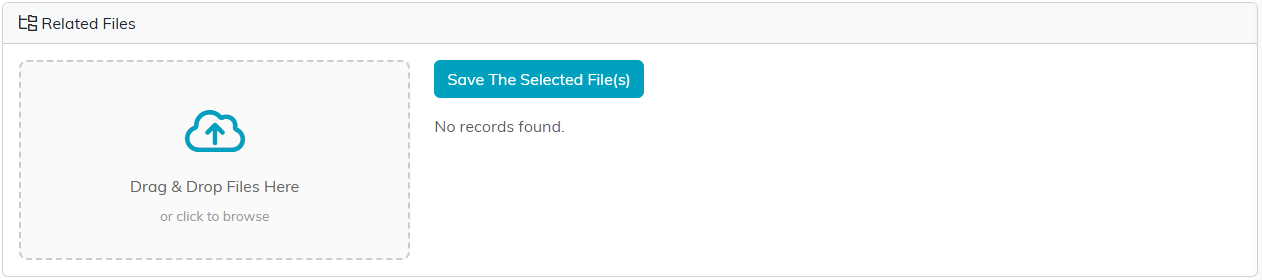
Attach the document here instead when the minutes were approved elsewhere.
Action Items
Use Meeting Checklists for what people committed to, ticking each item off as it is done. Keeping the follow-ups on the meeting record means the commitments stay attached to the meeting that produced them.
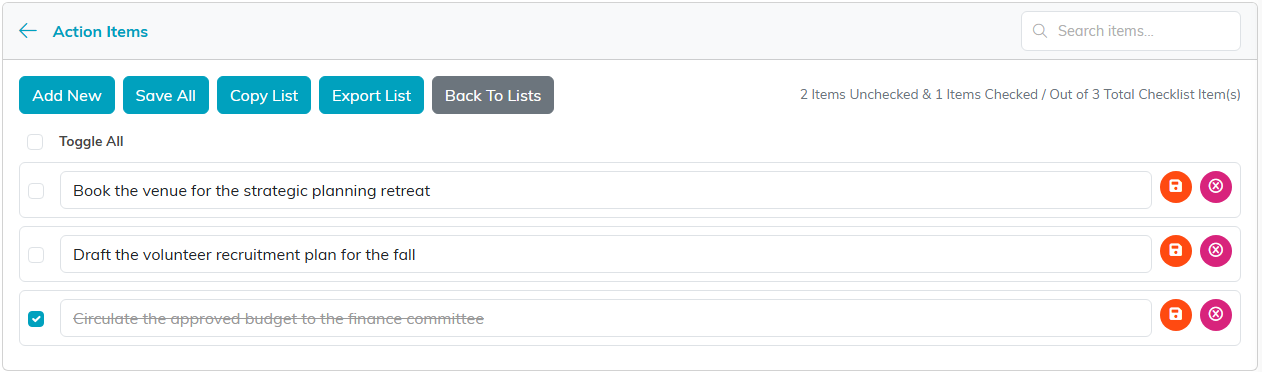
Each commitment gets its own line, ticked off as it is done.
Linking the Meeting to Other Records
The Connections page ties the minutes to the records the meeting was about: a client, event, project or task. A project's or client's own Meeting Minutes page lists the meetings connected to it. Each connected record gets a green open icon beside it, which opens that record in a new tab.
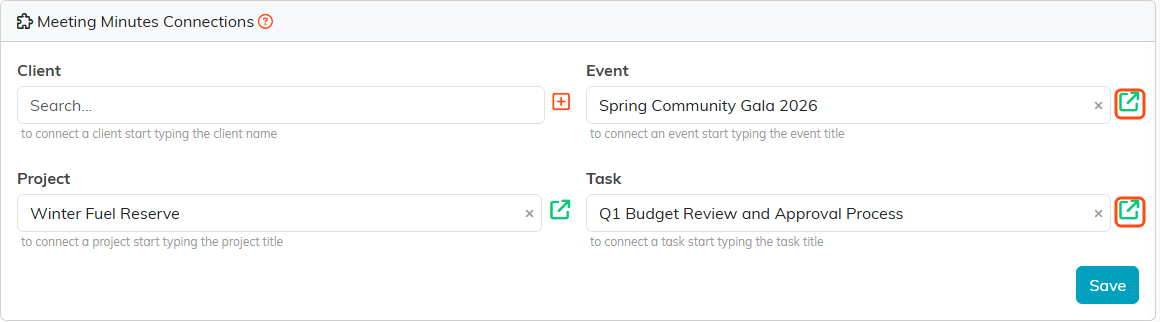
Connections tie the minutes to the records the meeting was about.
Record Level Permissions
Minutes can be sensitive, particularly board or personnel meetings. Set As View Only and Lock This Record at the top of the details page are the quick controls; the Record Permissions page grants access person by person.

Both switches sit at the top of the details page.
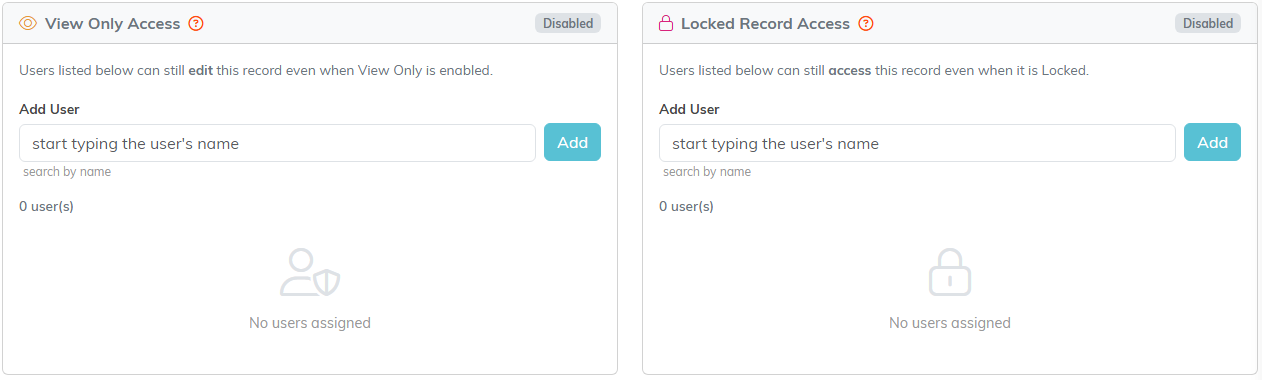
Record Permissions is where access is granted person by person.
The Meeting Minutes Workspace
- Meeting Minutes Details - date, title, category, description
- Connections - links to related records
- Meeting Minutes (Text) and Meeting Minutes (File(s)) - the minutes
- Meeting Checklists - action items
- Meeting Minutes Notes - internal notes
- Record Permissions - who can view or edit

Every page of the record is on this bar.
Making Them Findable
Search by ID or title, and export to CSV. Title minutes consistently, for example "Board Meeting 2026-07" rather than "Meeting", and a year from now you will still be able to find the one you want.

Search by ID or title, or send the whole list out to CSV.
