Knowledge Base Article
How To Use the Public Email Opt-In Form
Every Argenta subscription includes a public email opt-in form. People who find your website use it to join your email list, and each sign-up arrives in Argenta as a constituent who is already opted in to General Email Communications, so nobody on your team has to retype their details.
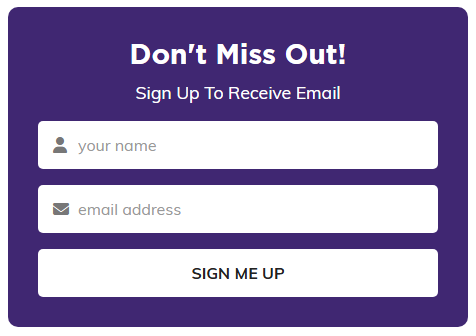
A published opt-in form, in the organization's own colors.
Go to Our Public Interfaces > Public Email Form; its Design Public Form button opens the page where you design the form itself. That page holds the public link to your form, the code to embed it on your own website, and the Email Opt-In List of everyone who has signed up.
For the full walk-through, from what the form asks for to what happens when someone signs up and how to unsubscribe a person, read Public Form: Receive Email Sign-Up Form.
