Knowledge Base Article
How to Set Record Permissions on an Auction
Two switches at the top of Auction Details narrow who can work on an auction. Set As View Only makes it read only, and Lock This Record hides it. The Record Permissions tab names the people who keep their access when those switches are on.
Open Record Permissions
Open the auction and click Record Permissions in the workspace menu.

Record Permissions is one of the tabs in the auction workspace menu.
The two lists
- View Only Access: users listed here can still edit the auction while View Only is on.
- Locked Record Access: users listed here can still open the auction while it is locked.
Each list shows Disabled in its corner until its switch is turned on in Auction Details, so you can set the list up first and switch it on when you are ready.
Add or remove a user
- In Add User, start typing the user's name and pick them from the list.
- Click Add.
To take someone off a list, click the pink icon beside their name.
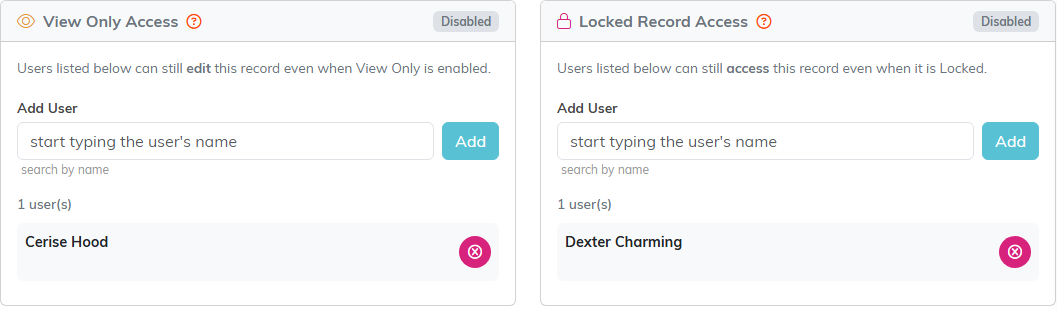
One user on each list. Both lists show Disabled because neither switch is on yet.
