Nonprofit Technology
When Should a Nonprofit Switch Donor Management Software?
The short answer
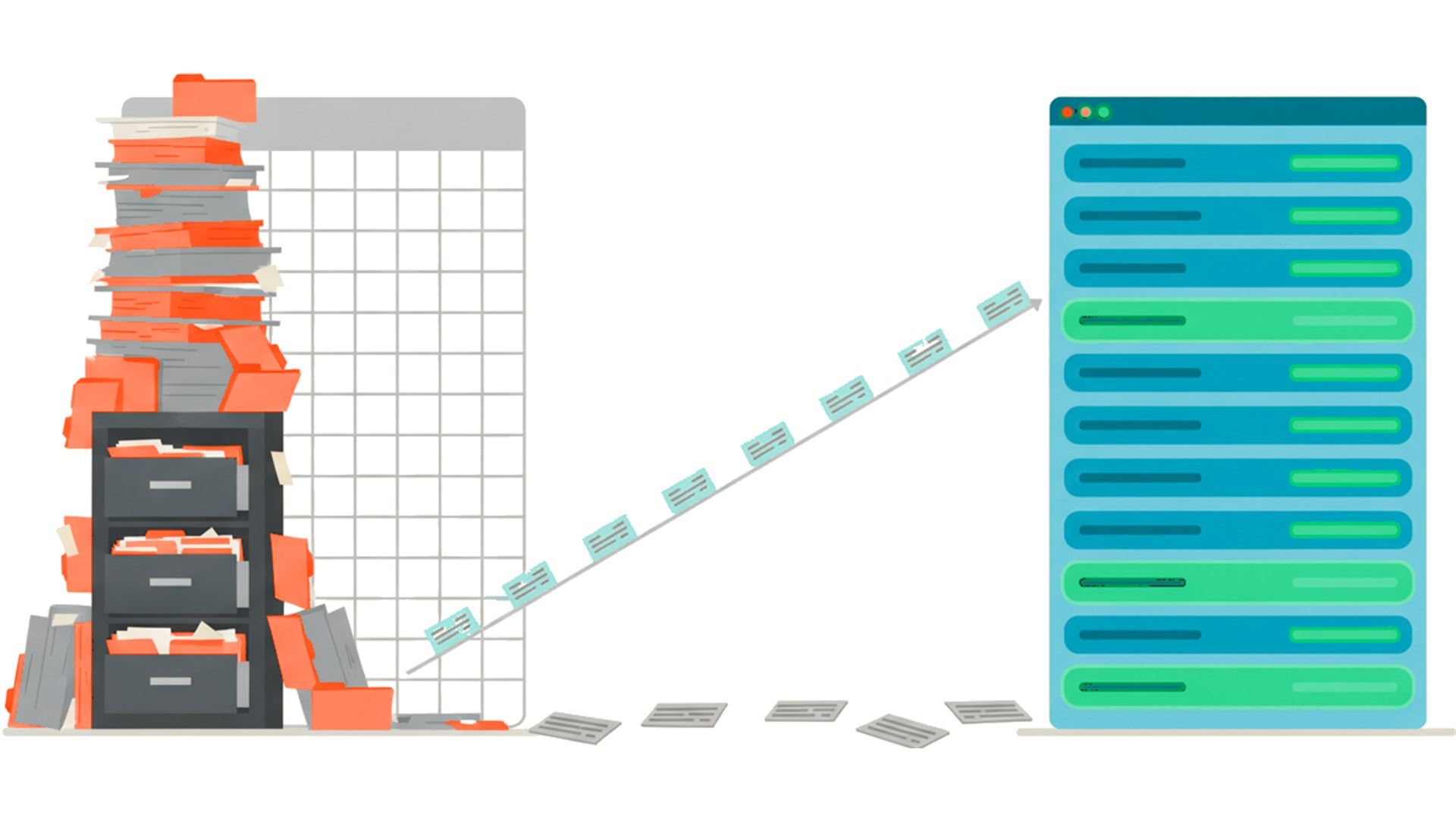
Switch when the system costs you more than it returns, and not before. In practice that means one of five things has become true: you keep a second, unofficial record outside the system; you cannot answer a basic question about a donor without exporting; receipts or renewals go out late because the process depends on one person remembering; you pay for modules you have never switched on; or your data has drifted so far that you no longer trust your own reports. One of those is a maintenance problem. Three or more at once is a switching decision.
Five signals it is time
• There is a shadow system. Someone keeps a spreadsheet beside the database because the database will not do the thing they need. That spreadsheet is now your real donor system, and it lives on one laptop.
• You export to answer simple questions. "Who gave last year and not this year" should take a minute. If it takes an export and a pivot table every time, you are paying for storage rather than for a donor system.
• The calendar depends on a person. Receipts, renewals and year-end letters go out when one particular staff member remembers. When that person is on leave, they do not go out at all.
• You are paying for rooms you never enter. Modules bought for the organization you planned to become, still switched off three years later, still on the invoice.
• You no longer trust the reports. Duplicates, half-merged households, gifts filed against the wrong campaign. Once a board member catches one wrong number, every number is suspect.
Five signals it is not time
This half matters as much as the first, because a migration you did not need is a year of staff time spent arriving in the same place with a different login.
• One person hates it. Sometimes that is the software. Often it is training that never happened.
• A demo looked better. Every system demos well. You are being shown the happy path with clean data and a practiced hand.
• One missing feature. Ask what it costs to add or work around, against what it costs to move everything you own.
• A new hire wants what they used before. Familiarity is real and it is worth something, but it is not the same as fit.
• The renewal price went up. That is a conversation to have with your account manager first. It is not automatically a migration.
What switching actually costs
The subscription is the small number. These are the ones that surprise people.
• Data cleanup, which you will do either way. Nobody migrates a mess successfully. You clean first, and that work belongs to you no matter whose software you end up on.
• Parallel running. Expect a stretch where both systems are live and neither is complete. Plan for it rather than discovering it.
• History that will not come across. Attachments, contact notes, soft credits, custom fields and anything typed into a free-text comment box are the usual casualties. Ask about each one specifically, by name.
• Rebuilding the invisible things. Saved filters, report layouts, receipt templates, mailing lists. None of it appears on a feature comparison and all of it took someone years to get right.
• Rewiring your integrations. Every donation form, payment processor and email tool connected to the old system has to be reconnected to the new one, and each is somebody's afternoon.
• Staff time, which is the real invoice. Count the hours honestly before you decide, because they come out of program work.
How to move without losing your history
• Export everything before you give notice, in the rawest format offered, while you still have full access. Do this even if you are only considering a move.
• Get the migration scope in writing, field by field: what the new vendor will bring across, what they will not, and who does the mapping.
• Pick a quiet month. Not year-end, not the week your appeal drops, not gala season.
• Reconcile both ways before you switch the old system off. Total raised by year, donor counts by year, and a sample of ten records checked line by line against the original.
• Keep the old export permanently, even after a migration you are happy with. It costs nothing to store and it is the only copy of what did not come across.
The question worth asking before you shop
Write down the three things you could not do last year. Not features, actual things: the report you could not produce, the renewal run that did not happen, the question the board asked that took a week to answer. If a new system does not clearly fix all three, the problem may not be the software, and a migration will not touch it.
Frequently asked questions
How long does it take to switch donor management software?
It depends far more on how clean your data is than on how big it is. For most small and mid-sized organizations the export, cleanup and mapping stage takes longer than the import, and running both systems in parallel for a period is normal rather than a sign something went wrong.
What is the best time of year to switch?
After year-end receipting is finished and before your next major campaign begins. Avoid any month that already has a deadline in it, because a migration will take the attention you were planning to give the campaign.
Will we lose our giving history?
Core gift records usually transfer cleanly. The things that go missing are contact notes, attachments, soft credits, custom fields and free-text comments. Ask the new vendor about each of those by name, and get the answer in writing before you sign.
Should we clean our data before or after migrating?
Before. Migrating a mess reproduces the mess in a system you do not know yet, and then you are debugging two things at once. Cleaning first also shrinks the migration, because you are not paying to move records you were never going to use.
How do we tell whether the problem is the software or how we use it?
Ask whether a trained person could do the thing in your current system if they had an afternoon and the documentation. If the answer is yes, you have a training or process problem, and new software will not solve it. If the answer is genuinely no, that is a software problem.
Do we have to run both systems at the same time?
Usually for a short period, yes. Decide in advance which system is authoritative during that window and tell everyone, because the real risk is two people entering the same gift in two places and neither total being right.
What should we keep from the old system after we leave?
A raw export of everything, stored somewhere you will still be able to find in five years, plus a copy of your receipt and letter templates. Once the account closes, anything you did not export is gone, and that includes the records you did not think to check.
Switch when the system costs you more than it returns, and not before. In practice that means one of five things has become true: you keep a second, unofficial record outside the system; you cannot answer a basic question about a donor without exporting; receipts or renewals go out late because the process depends on one person remembering; you pay for modules you have never switched on; or your data has drifted so far that you no longer trust your own reports. One of those is a maintenance problem. Three or more at once is a switching decision.
Five signals it is time
• There is a shadow system. Someone keeps a spreadsheet beside the database because the database will not do the thing they need. That spreadsheet is now your real donor system, and it lives on one laptop.
• You export to answer simple questions. "Who gave last year and not this year" should take a minute. If it takes an export and a pivot table every time, you are paying for storage rather than for a donor system.
• The calendar depends on a person. Receipts, renewals and year-end letters go out when one particular staff member remembers. When that person is on leave, they do not go out at all.
• You are paying for rooms you never enter. Modules bought for the organization you planned to become, still switched off three years later, still on the invoice.
• You no longer trust the reports. Duplicates, half-merged households, gifts filed against the wrong campaign. Once a board member catches one wrong number, every number is suspect.
Five signals it is not time
This half matters as much as the first, because a migration you did not need is a year of staff time spent arriving in the same place with a different login.
• One person hates it. Sometimes that is the software. Often it is training that never happened.
• A demo looked better. Every system demos well. You are being shown the happy path with clean data and a practiced hand.
• One missing feature. Ask what it costs to add or work around, against what it costs to move everything you own.
• A new hire wants what they used before. Familiarity is real and it is worth something, but it is not the same as fit.
• The renewal price went up. That is a conversation to have with your account manager first. It is not automatically a migration.
What switching actually costs
The subscription is the small number. These are the ones that surprise people.
• Data cleanup, which you will do either way. Nobody migrates a mess successfully. You clean first, and that work belongs to you no matter whose software you end up on.
• Parallel running. Expect a stretch where both systems are live and neither is complete. Plan for it rather than discovering it.
• History that will not come across. Attachments, contact notes, soft credits, custom fields and anything typed into a free-text comment box are the usual casualties. Ask about each one specifically, by name.
• Rebuilding the invisible things. Saved filters, report layouts, receipt templates, mailing lists. None of it appears on a feature comparison and all of it took someone years to get right.
• Rewiring your integrations. Every donation form, payment processor and email tool connected to the old system has to be reconnected to the new one, and each is somebody's afternoon.
• Staff time, which is the real invoice. Count the hours honestly before you decide, because they come out of program work.
How to move without losing your history
• Export everything before you give notice, in the rawest format offered, while you still have full access. Do this even if you are only considering a move.
• Get the migration scope in writing, field by field: what the new vendor will bring across, what they will not, and who does the mapping.
• Pick a quiet month. Not year-end, not the week your appeal drops, not gala season.
• Reconcile both ways before you switch the old system off. Total raised by year, donor counts by year, and a sample of ten records checked line by line against the original.
• Keep the old export permanently, even after a migration you are happy with. It costs nothing to store and it is the only copy of what did not come across.
The question worth asking before you shop
Write down the three things you could not do last year. Not features, actual things: the report you could not produce, the renewal run that did not happen, the question the board asked that took a week to answer. If a new system does not clearly fix all three, the problem may not be the software, and a migration will not touch it.
Frequently asked questions
How long does it take to switch donor management software?
It depends far more on how clean your data is than on how big it is. For most small and mid-sized organizations the export, cleanup and mapping stage takes longer than the import, and running both systems in parallel for a period is normal rather than a sign something went wrong.
What is the best time of year to switch?
After year-end receipting is finished and before your next major campaign begins. Avoid any month that already has a deadline in it, because a migration will take the attention you were planning to give the campaign.
Will we lose our giving history?
Core gift records usually transfer cleanly. The things that go missing are contact notes, attachments, soft credits, custom fields and free-text comments. Ask the new vendor about each of those by name, and get the answer in writing before you sign.
Should we clean our data before or after migrating?
Before. Migrating a mess reproduces the mess in a system you do not know yet, and then you are debugging two things at once. Cleaning first also shrinks the migration, because you are not paying to move records you were never going to use.
How do we tell whether the problem is the software or how we use it?
Ask whether a trained person could do the thing in your current system if they had an afternoon and the documentation. If the answer is yes, you have a training or process problem, and new software will not solve it. If the answer is genuinely no, that is a software problem.
Do we have to run both systems at the same time?
Usually for a short period, yes. Decide in advance which system is authoritative during that window and tell everyone, because the real risk is two people entering the same gift in two places and neither total being right.
What should we keep from the old system after we leave?
A raw export of everything, stored somewhere you will still be able to find in five years, plus a copy of your receipt and letter templates. Once the account closes, anything you did not export is gone, and that includes the records you did not think to check.
